We aim to create a modern, reliable platform to help you operate your rental business in today’s world. Whether it’s a new feature, a powerful integration, or a quick improvement, we regularly evaluate how you use TenantCloud to make meaningful updates that matter most.
How to Review TenantCloud Software Updates
This is your hub for the latest TenantCloud improvements, feature releases, and product updates. Use the category filters to quickly browse by type or scroll below to see what’s new.
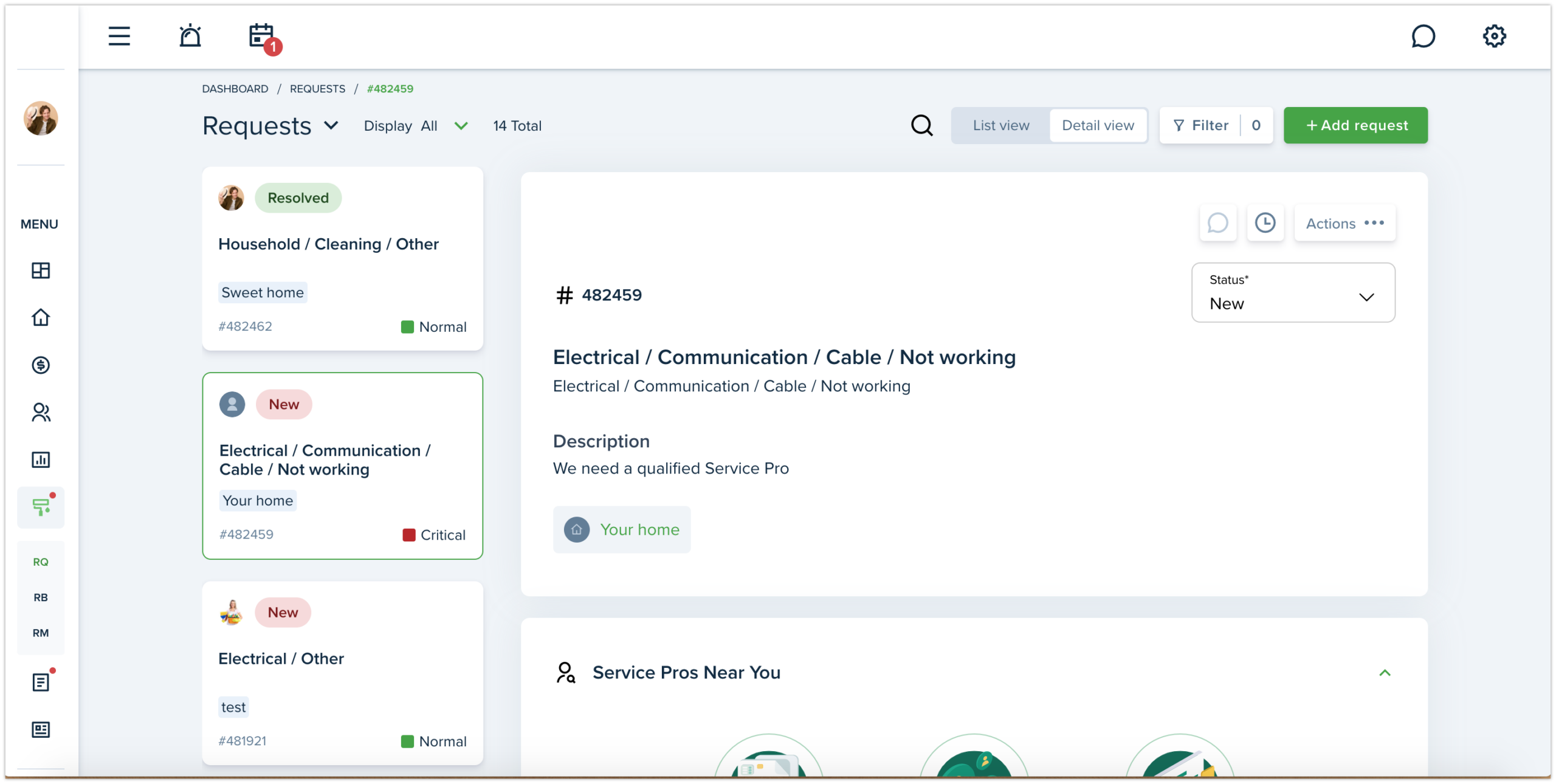
We have added the new ability to view maintenance requests. The new Detail view allows Landlord/ Property manager to select the needed request from the left-side column and see the preview of selected request right on the page.
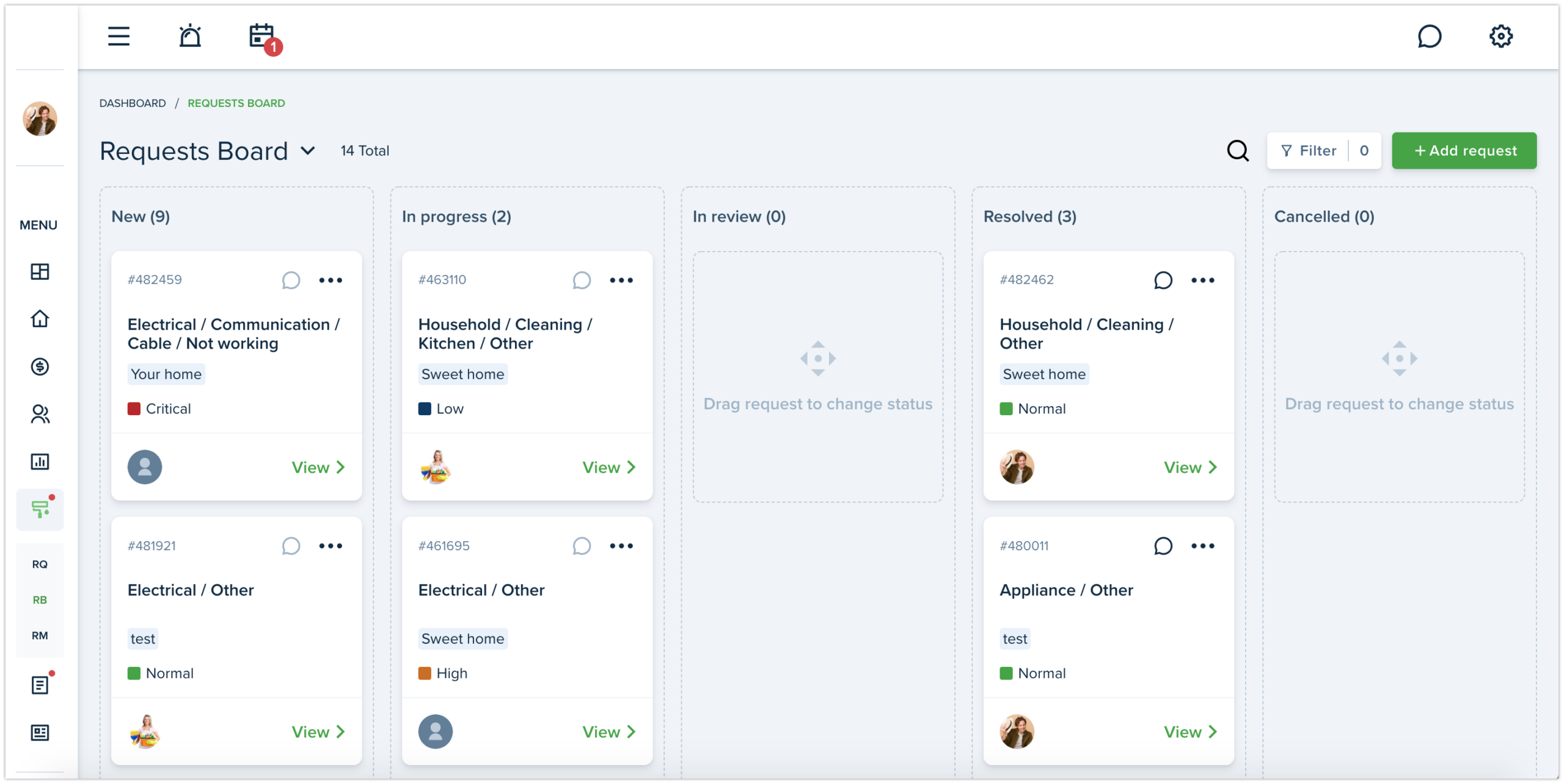
We have redesigned the Requests board page and made it better to use. This page contains five columns with statuses: New, In progress, Resolved, Deferred and Cancelled. You can easily drag & drop the request to needed column to change its status.
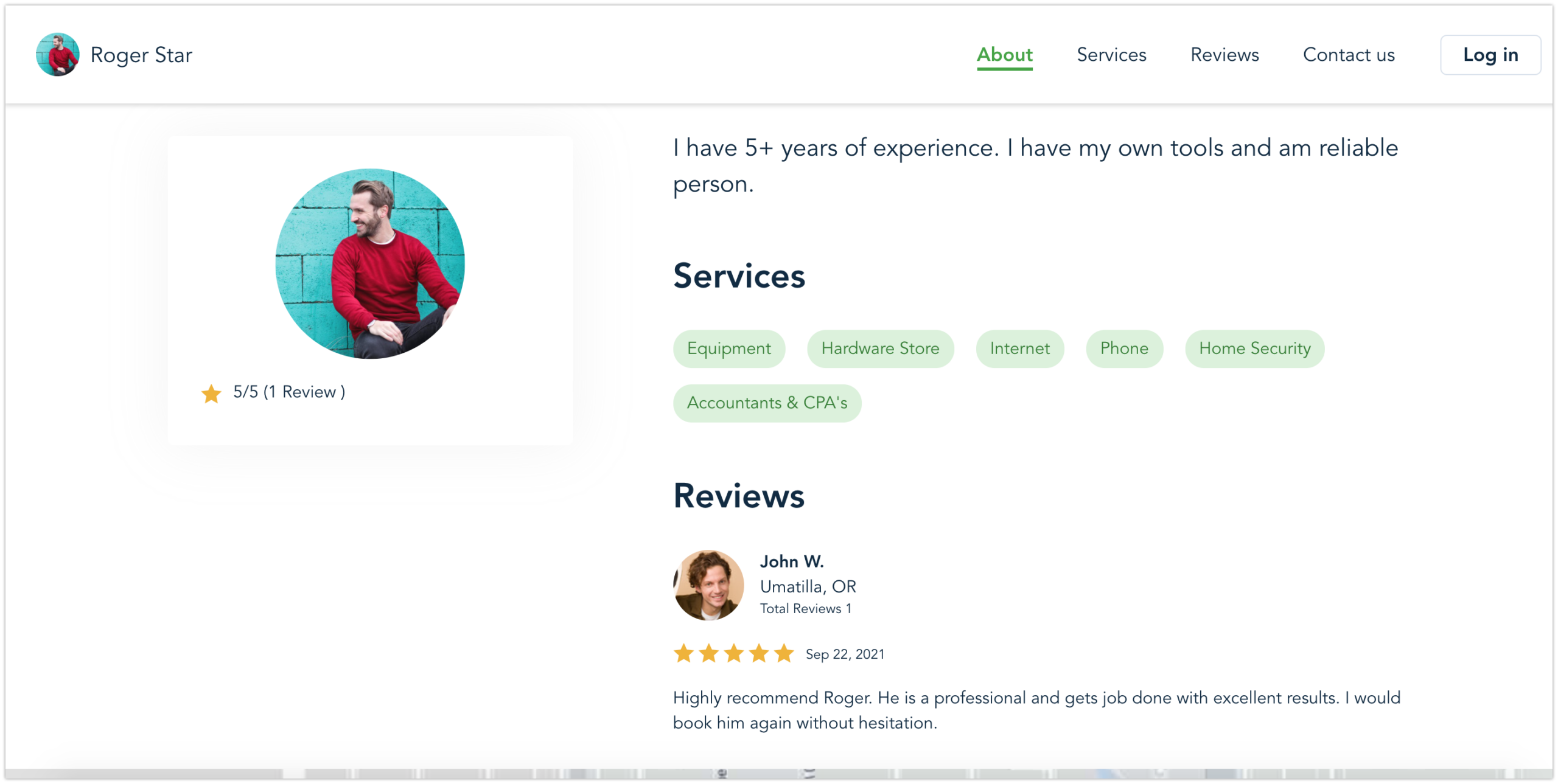
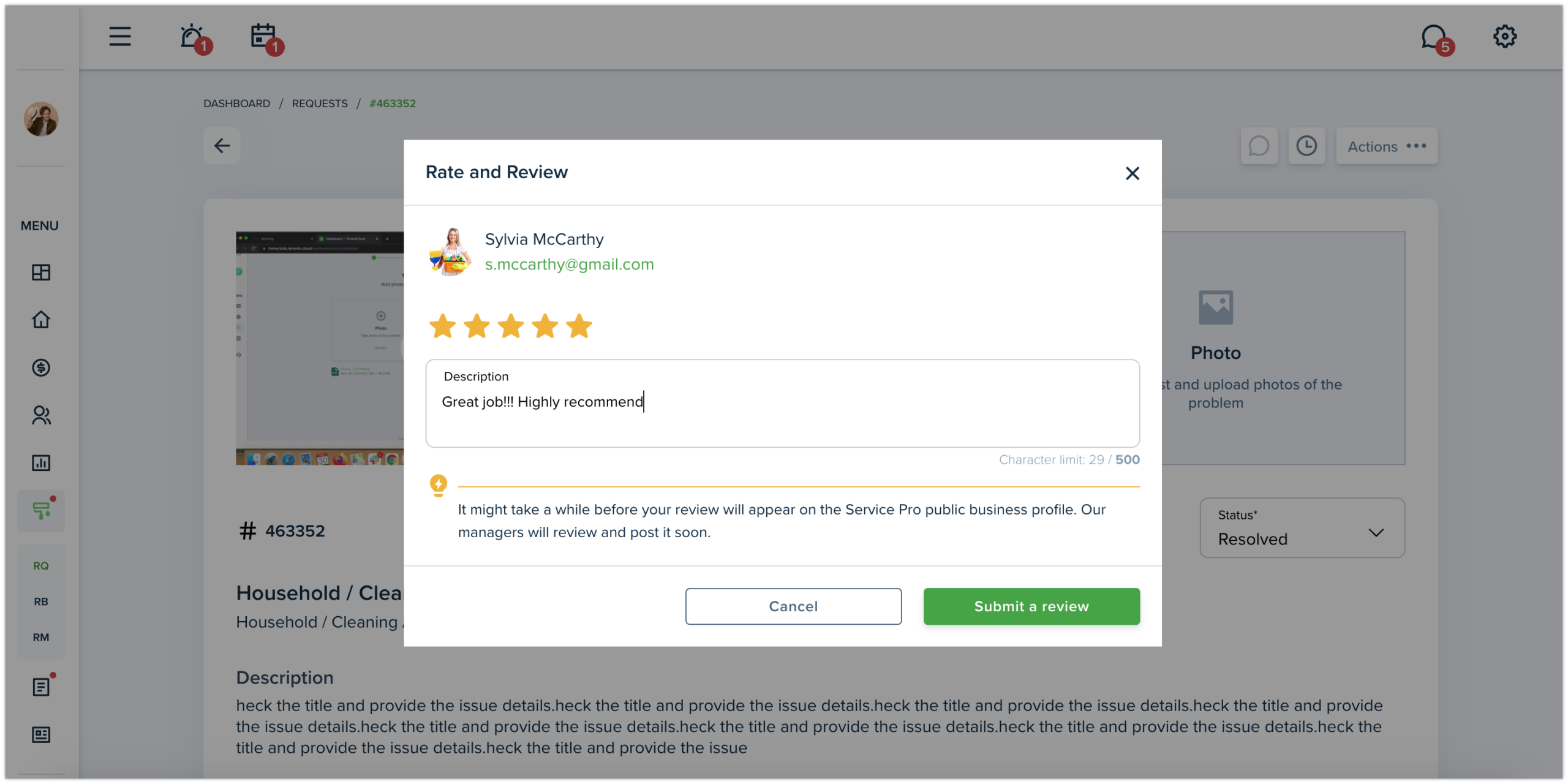
Each Service Pro has a great opportunity to increase the rating of their public business profile and receive reviews from their landlords for completed job. This is great opportunity to promote your website.
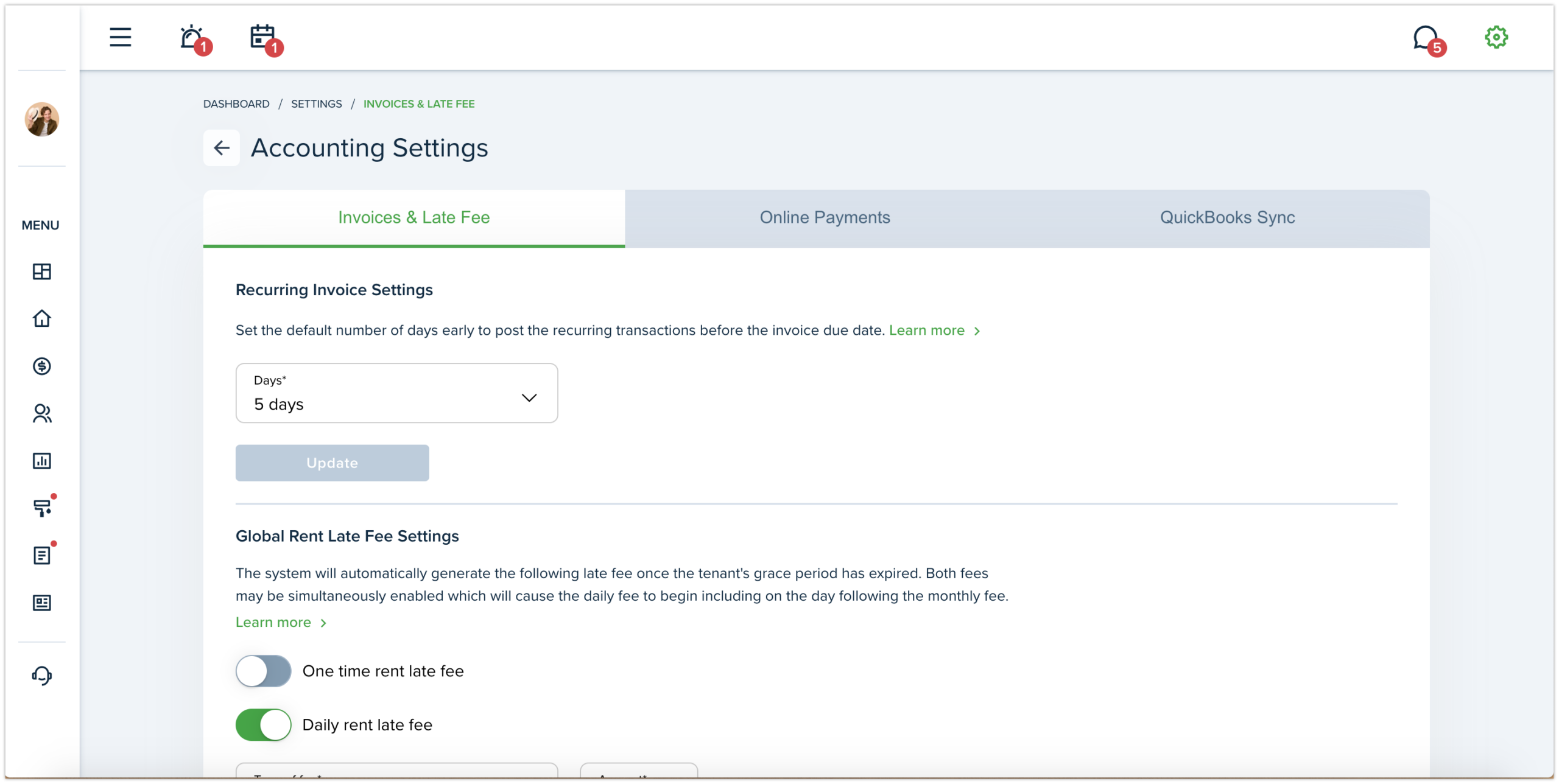
The new Accounting Settings page is now divided into 3 tabs: Invoices & Late Fees, Online Payments, QuickBook Sync. Now the QuickBook sync is a part of Accounting Settings and was moved as a third tab. Each tab is divided into sections which are updated and saved separately.
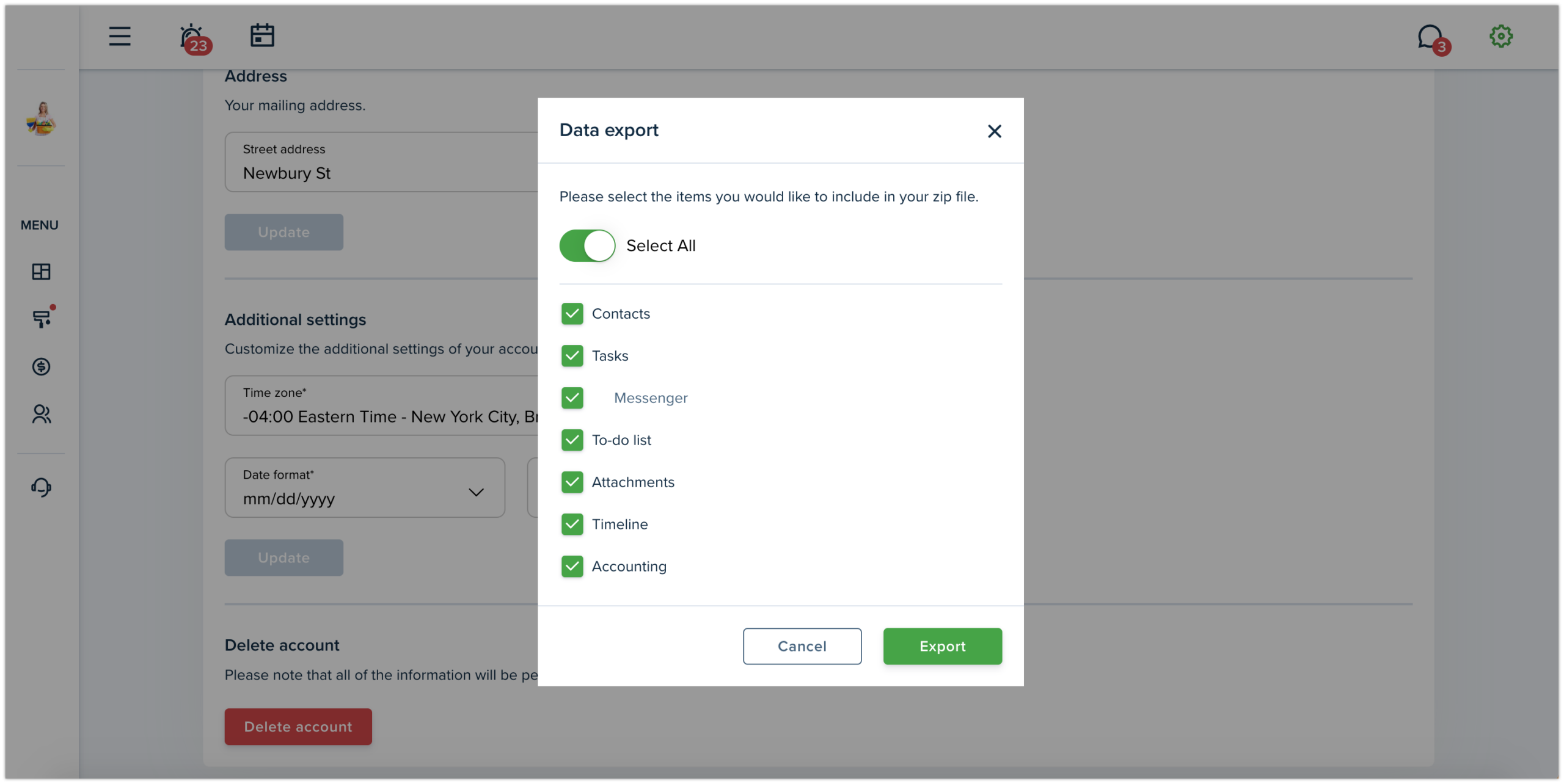
Now Service Pro can export needed data at any time. We’ve grouped the main features and Service Pro can export only needed items or enable “Select all“ toggle button and export all items in zip file.
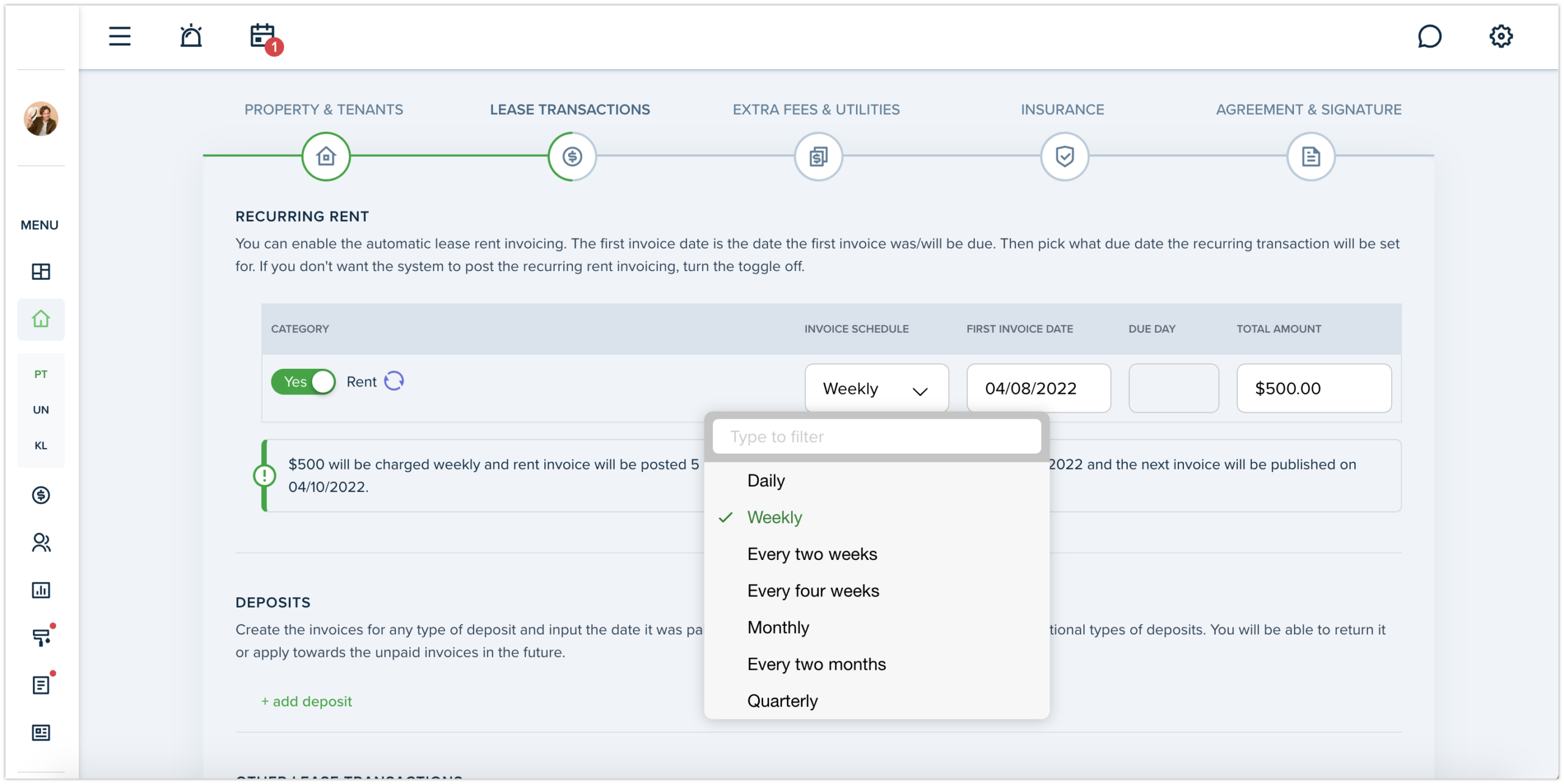
There is a new option in the move in process, which allows landlord to schedule invoice on weekly basis. That means, tenants on their turn can set up auto-pay with weekly frequency, if it was previously selected by their landlord when creating a lease.
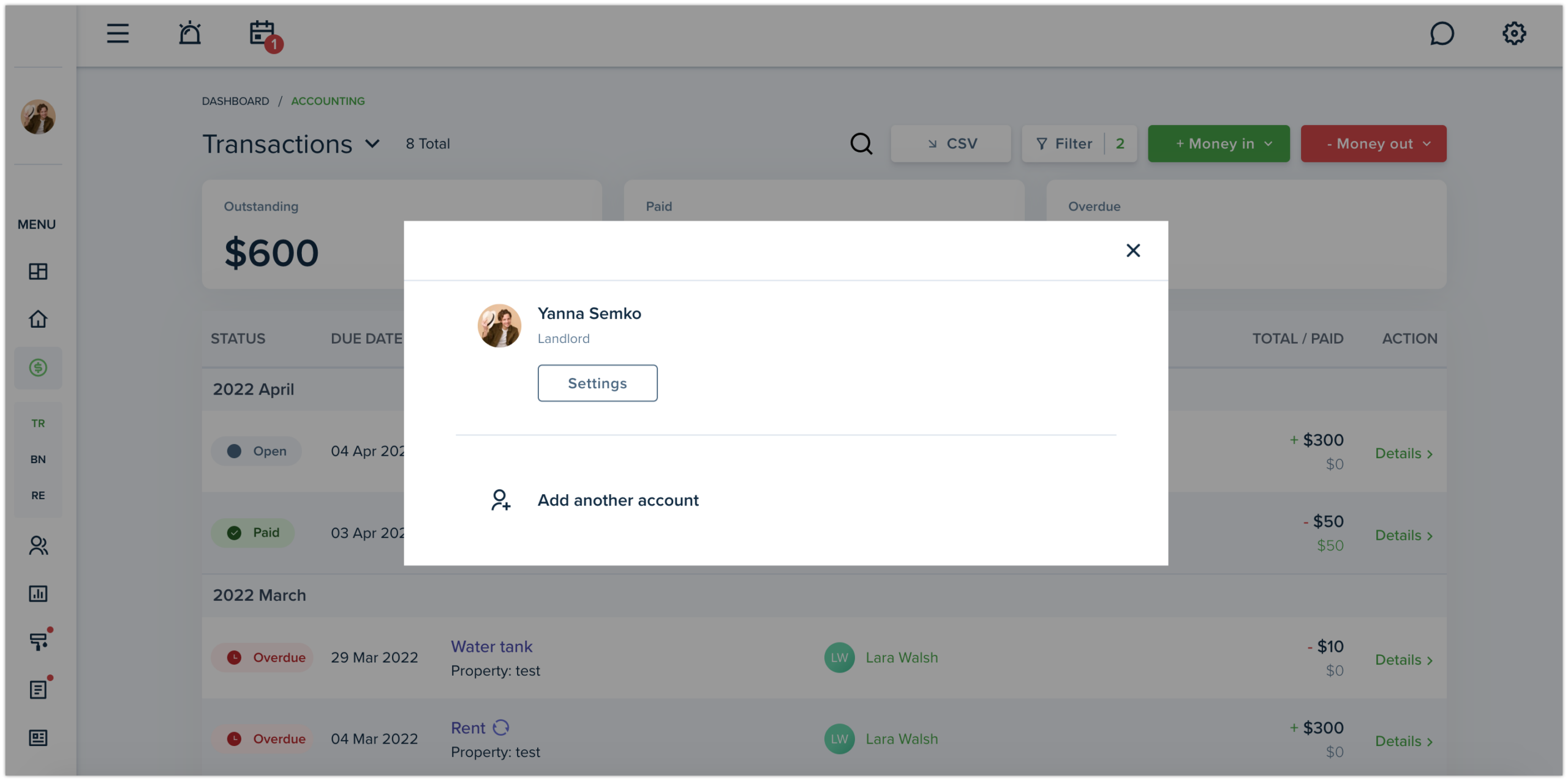
This option is useful if you manage few accounts within the system, because now there is no need to log out and log in each time you would like to use another account. Simply switch between previously added accounts, by clicking on your profile photo in the left top corner of your screen.
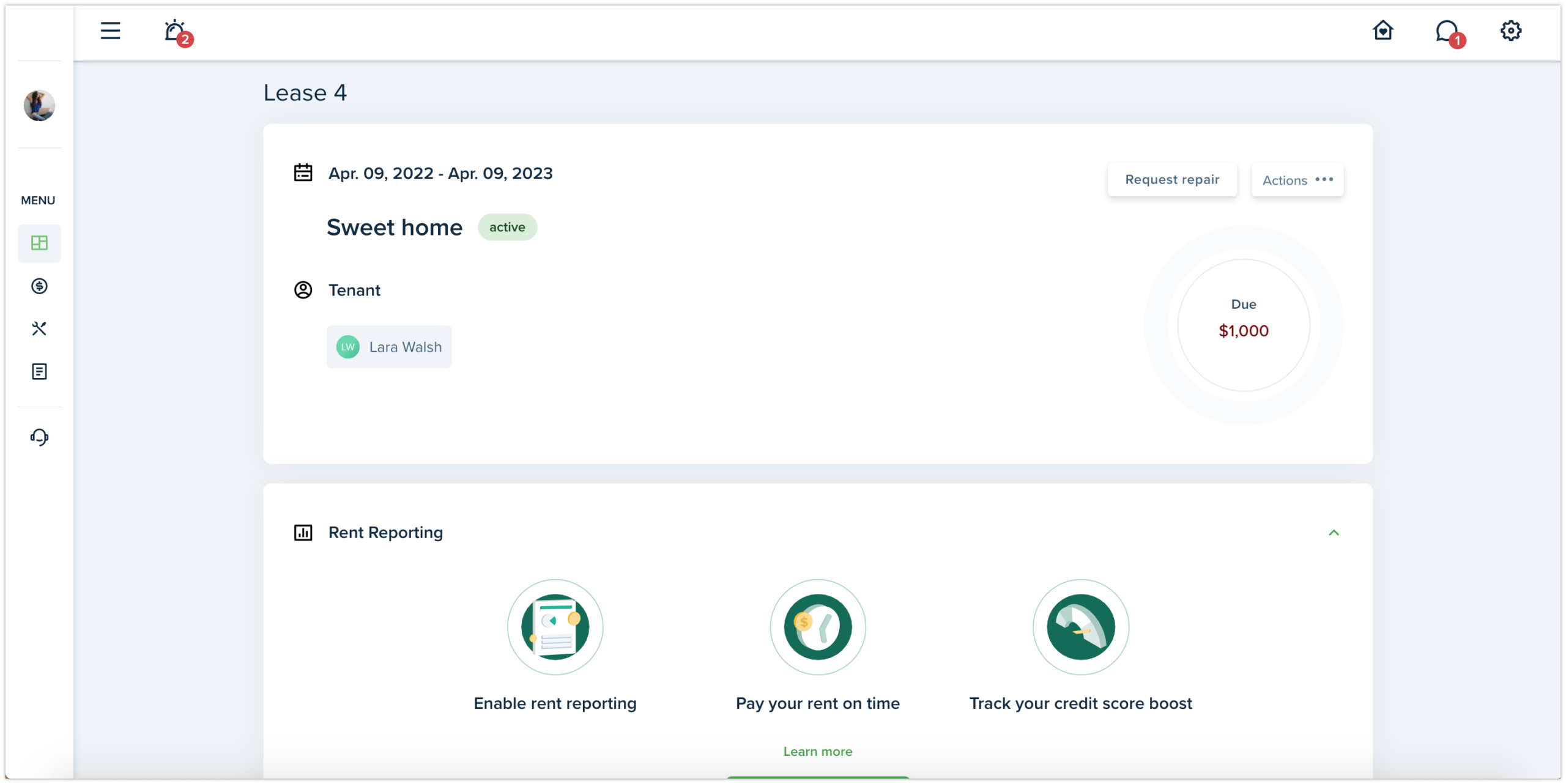
Tenant Dashboard view along with lease details has been improved. Now, leases are shown on the dropdown with their status. Property/unit and Landlord/Property Manager cards’ design a little bit changed.