We aim to create a modern, reliable platform to help you operate your rental business in today’s world. Whether it’s a new feature, a powerful integration, or a quick improvement, we regularly evaluate how you use TenantCloud to make meaningful updates that matter most.
How to Review TenantCloud Software Updates
This is your hub for the latest TenantCloud improvements, feature releases, and product updates. Use the category filters to quickly browse by type or scroll below to see what’s new.
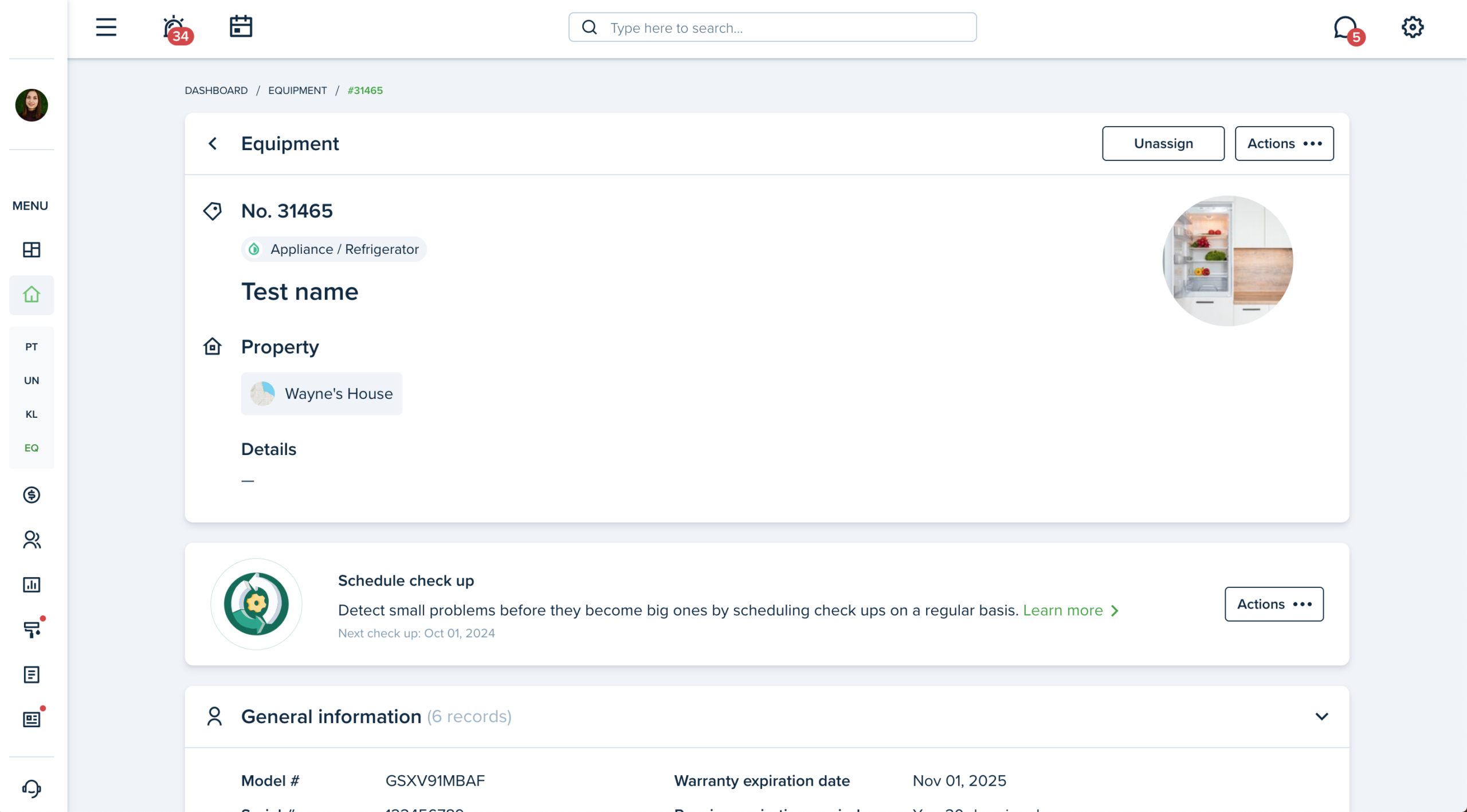
Now, it is easier to navigate the needed equipment as you can use filters and widgets, which show the main information directly on the list page. You can also schedule recurring checkups if your equipment requires it and you’ll never miss it.
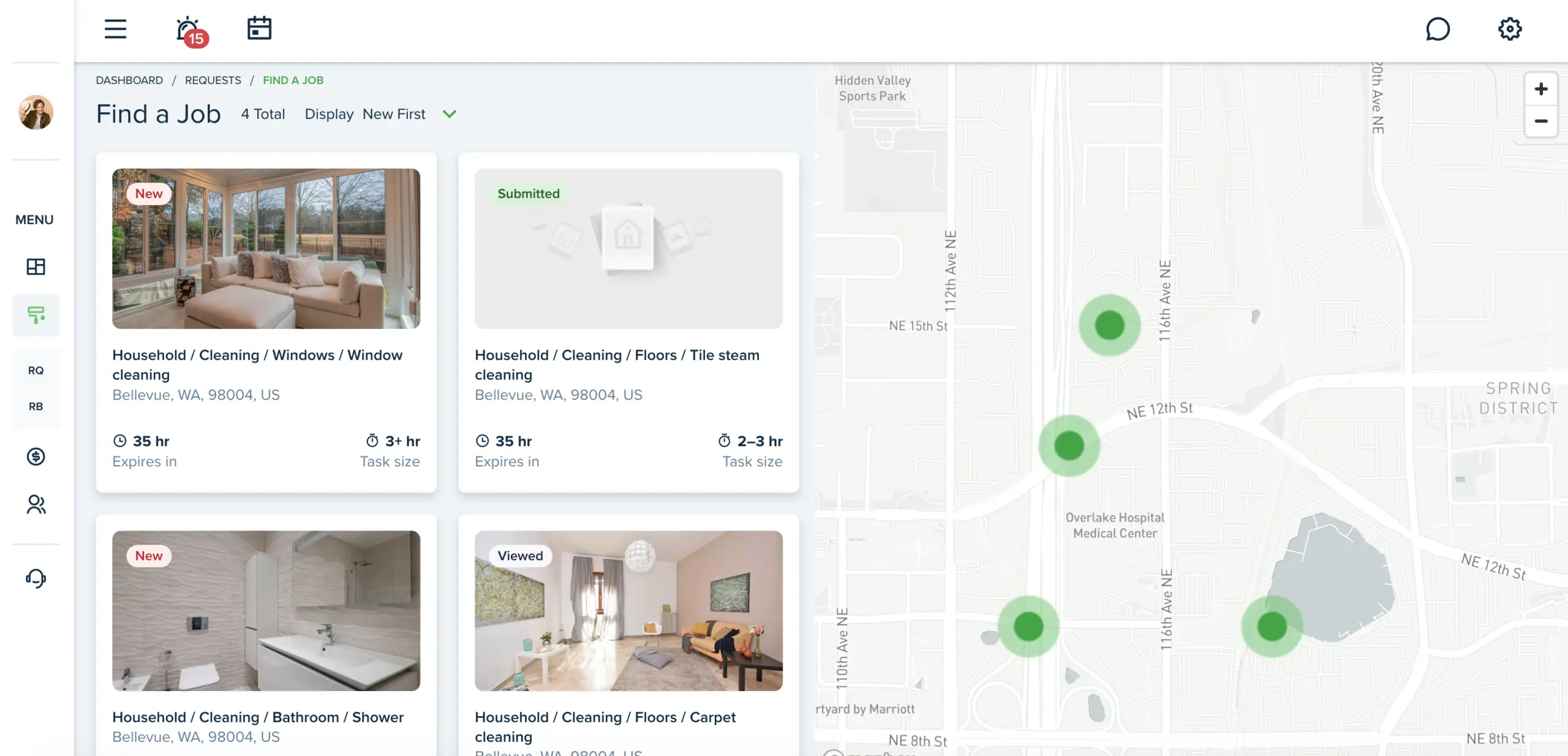
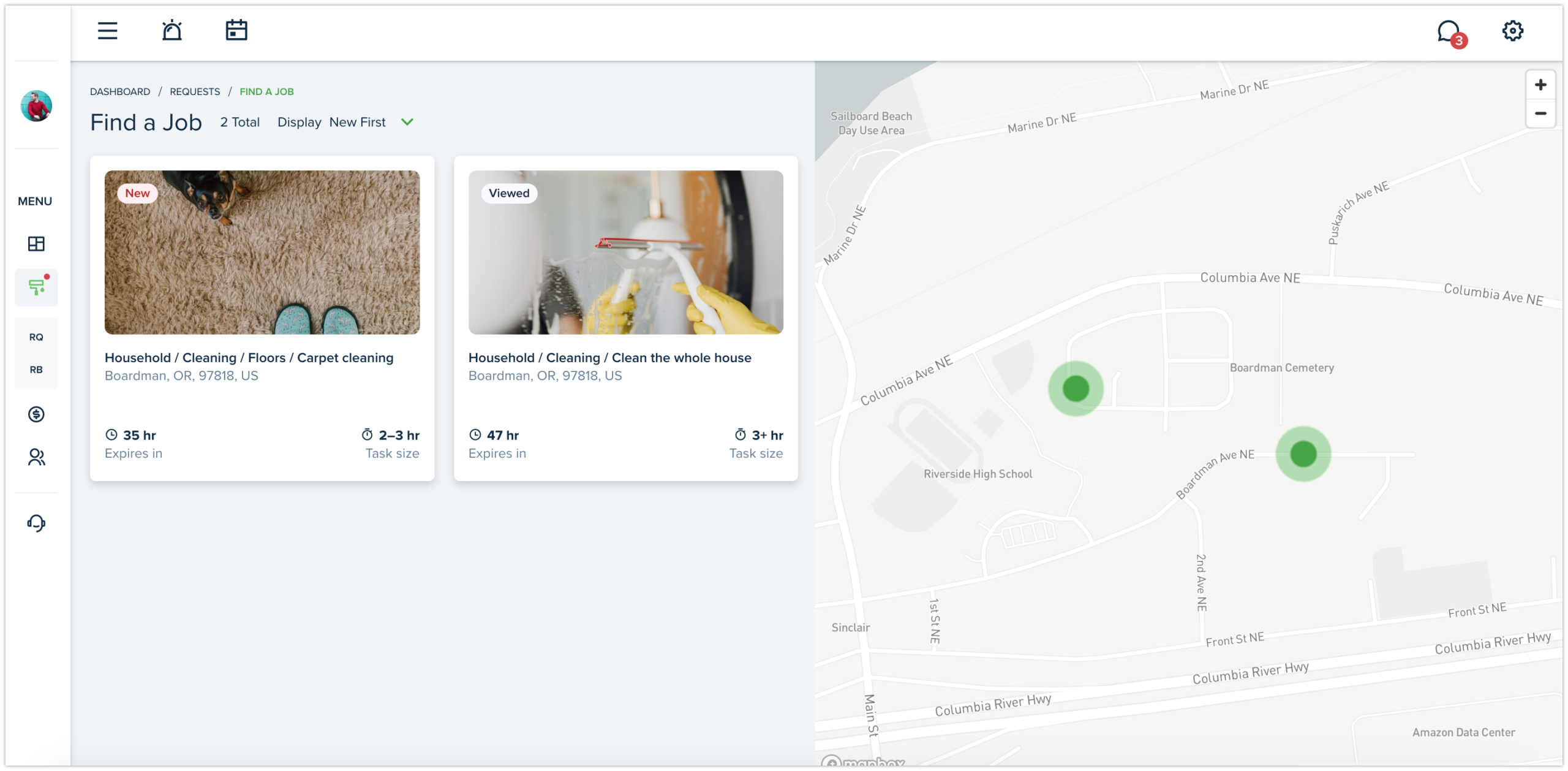
From now on, you’ll have even more jobs shown in your area as we’ve extended the search and made it more flexible. Once you enter a ZIP code, the search will scan all possible jobs that match your criteria in a radius of 100 km.
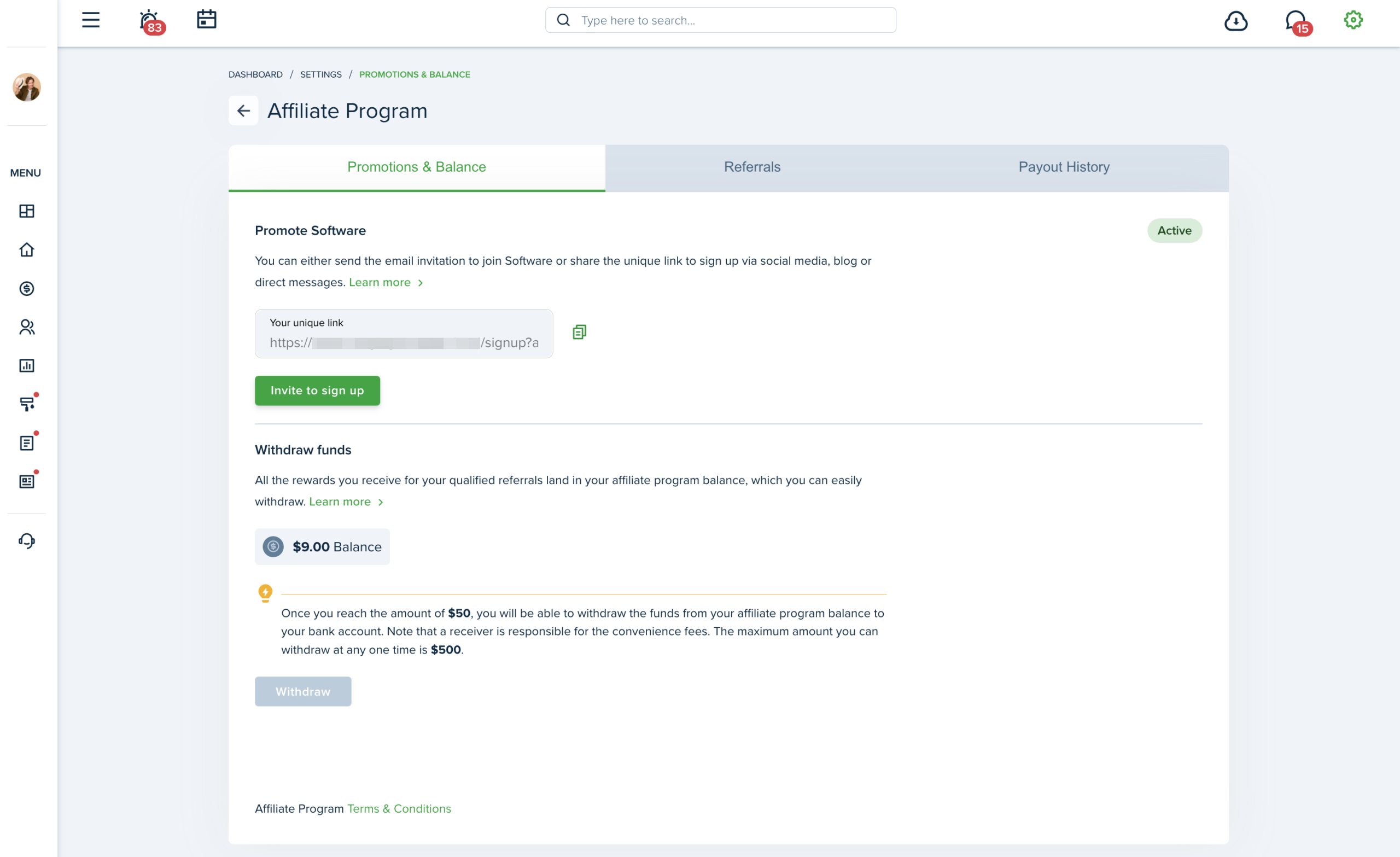
The page is now divided into 3 tabs: Promotions & Balance, Referrals and Payout History. Each tab is divided into sections which are updated and saved separately.
Affiliate Program was enabled to Service Pros as well. Now LL/PM can invite both Landlords and Service Pros and vice versa.
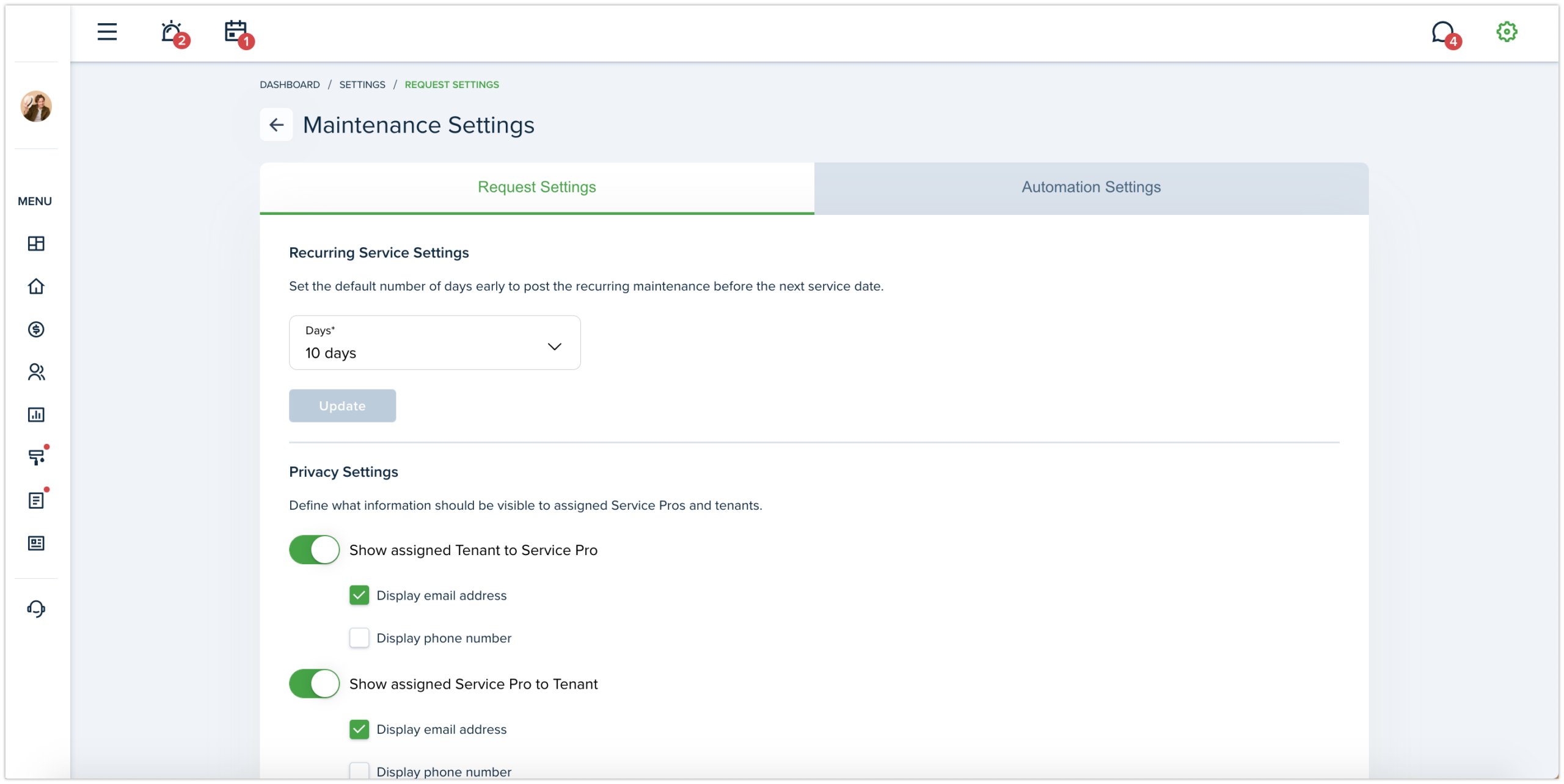
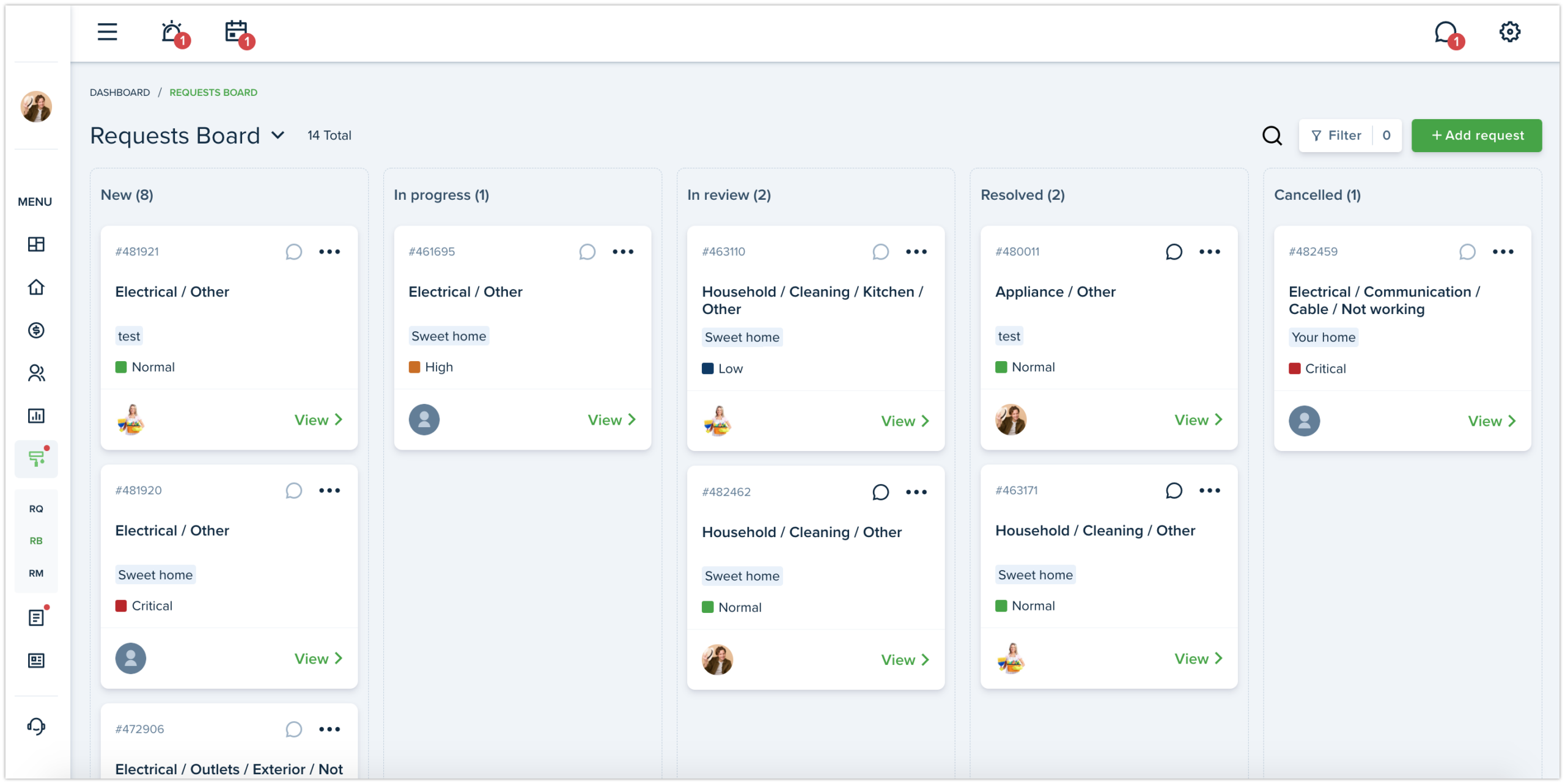
The page is now divided into 2 tabs: Request Settings and Automation Settings. To the Automation Settings tab we have added new Auto assigning to requests settings and Review of requests settings. Each tab is divided into sections which are updated and saved separately.
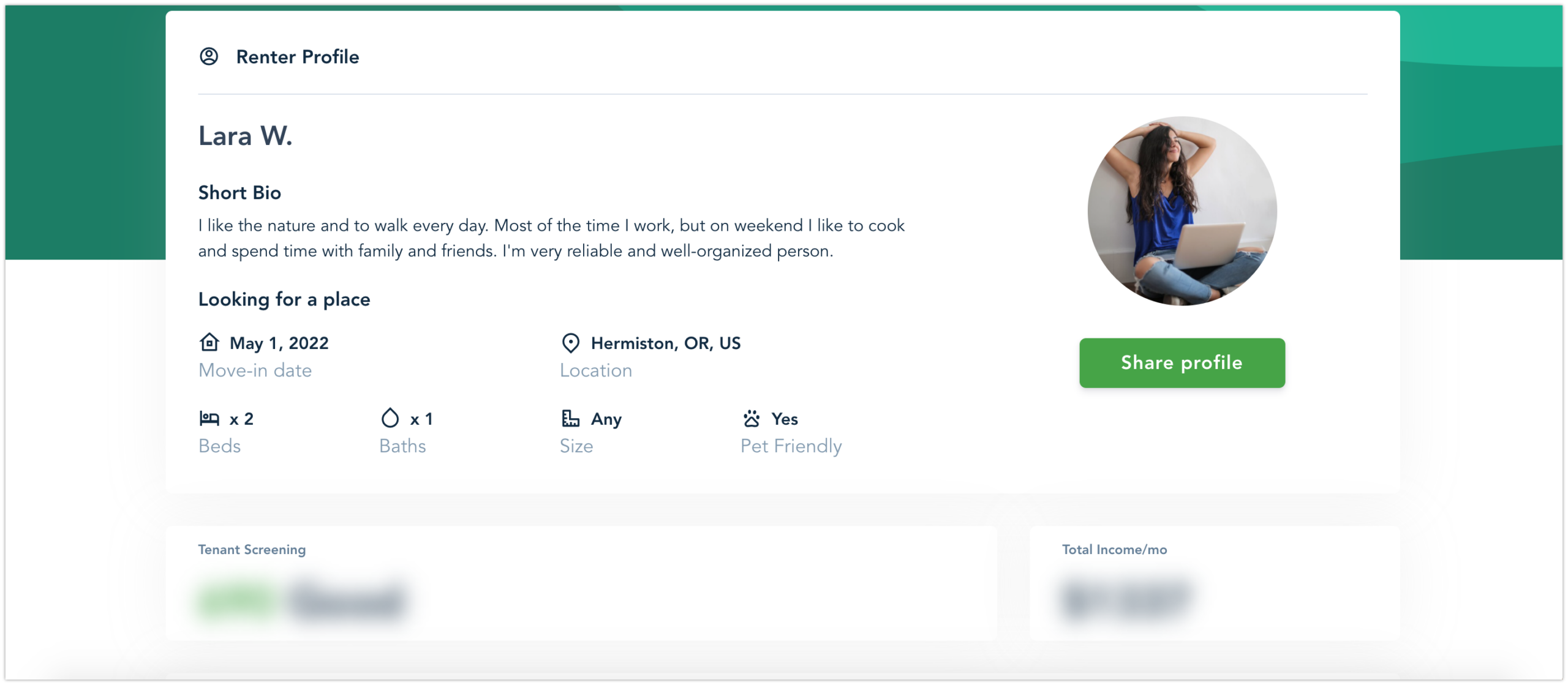
We’ve created a new Public Renter Profile page for tenants. It’s a public page displaying information from Renter Profile as well as the preferences for the desired rental. Activate it and share it on the Internet and find a perfect rental for you.
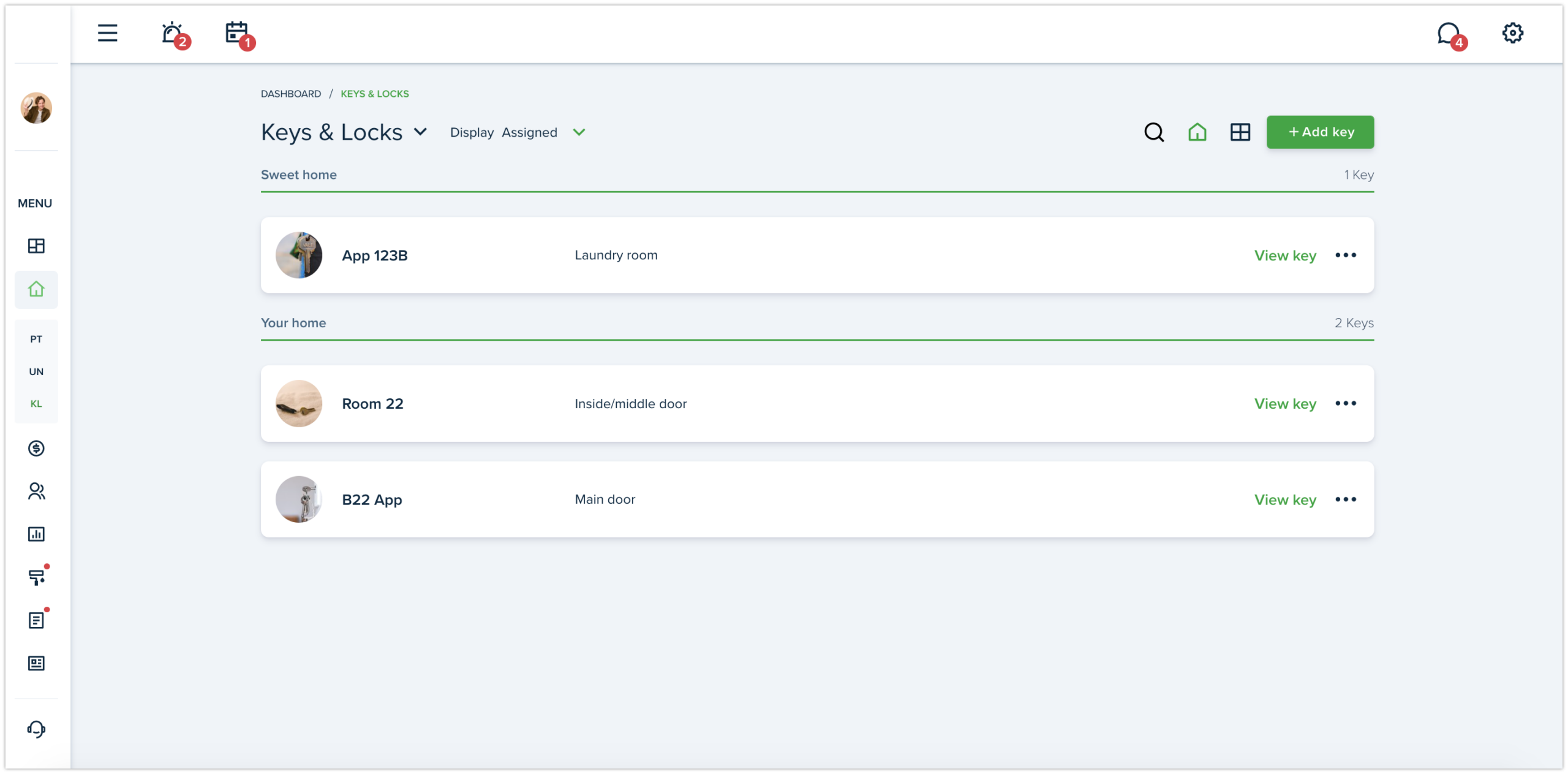
The Keys & Locks will help you to track all keys in one place. The page displays the list of keys that have been added and also provides an option to create/edit/delete a key and assign it to a specific property and unit. With swimlanes for Assigned keys, LL/PM can sort the keys by the property.
Great news! Service Pro can find jobs within the system. For that, go to “Find a job” section, suggest a bid and send a request to the Landlord. You can also send additional questions to landlord before sending a job request.
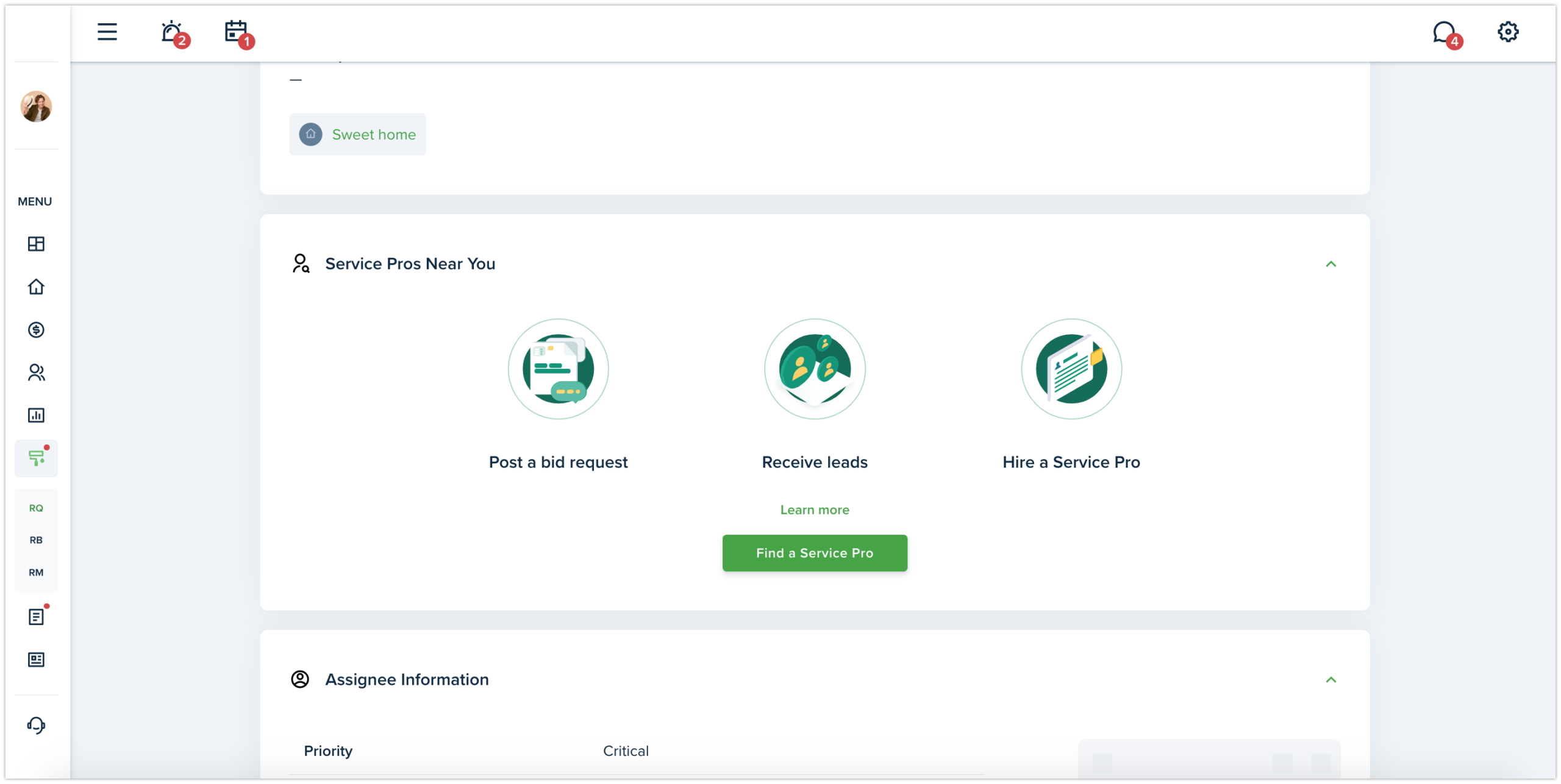
Great news! We have added a functionality which helps Landlord to find Service Pros within the system. Simply, click the “Find a Service Pro” button after you’ve added a maintenance request and Service Pros in your area will apply for it.
The new statuschanges the flow of resolving the request for Service Pros from Bidding system. Now if Landlord assigns request to SP, the SP will not be able to change this request to Resolved status. First, the request needs to go into In review status so that LL could review it and then Resolve.
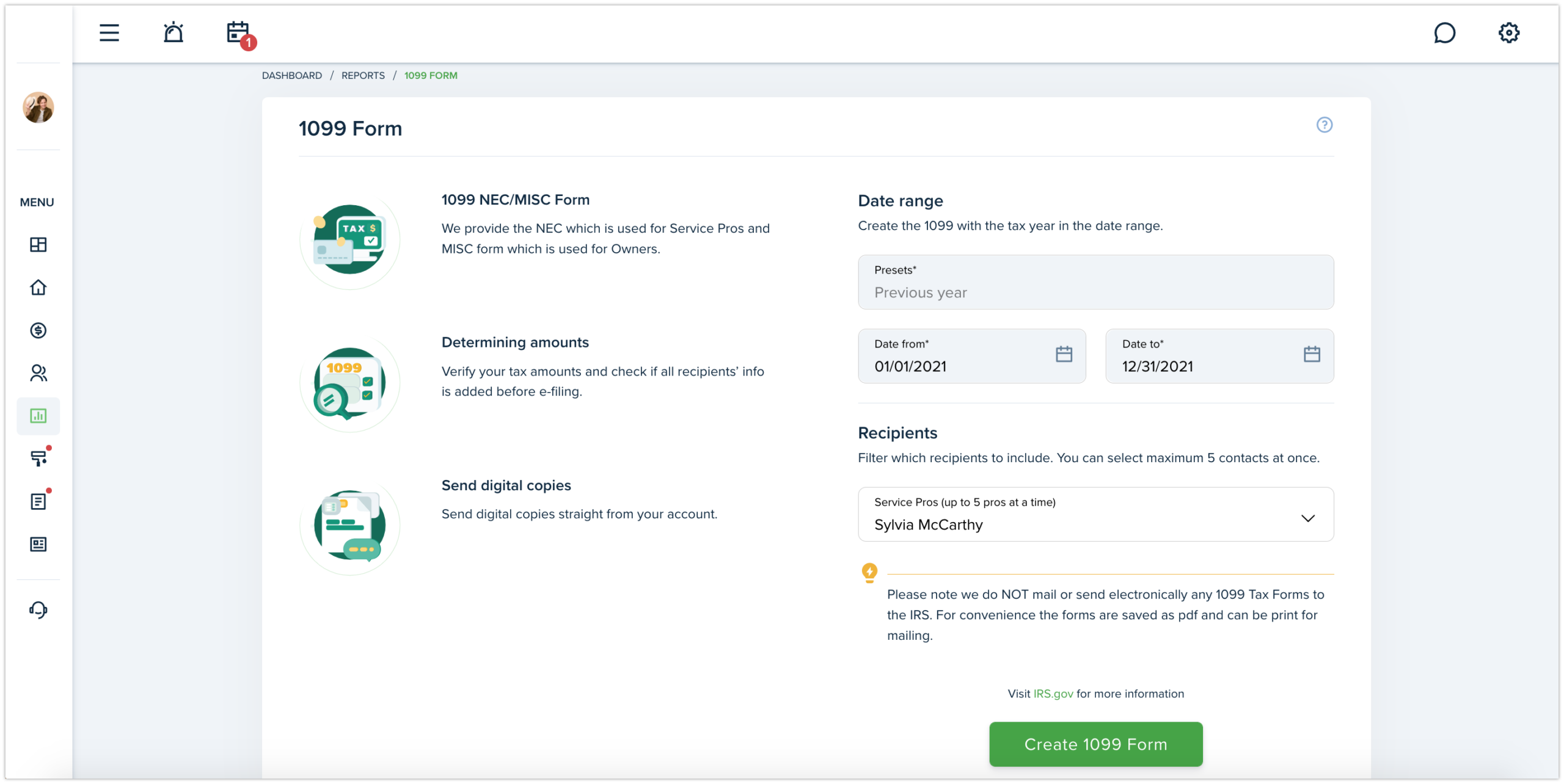
We have added the 1099-NEC form which can be generated for Service Pros and Owners in our system. 1099 Tax Form is available starting from the Growth subscription plan and for US citizens only.