We aim to create a modern, reliable platform to help you operate your rental business in today’s world. Whether it’s a new feature, a powerful integration, or a quick improvement, we regularly evaluate how you use TenantCloud to make meaningful updates that matter most.
How to Review TenantCloud Software Updates
This is your hub for the latest TenantCloud improvements, feature releases, and product updates. Use the category filters to quickly browse by type or scroll below to see what’s new.
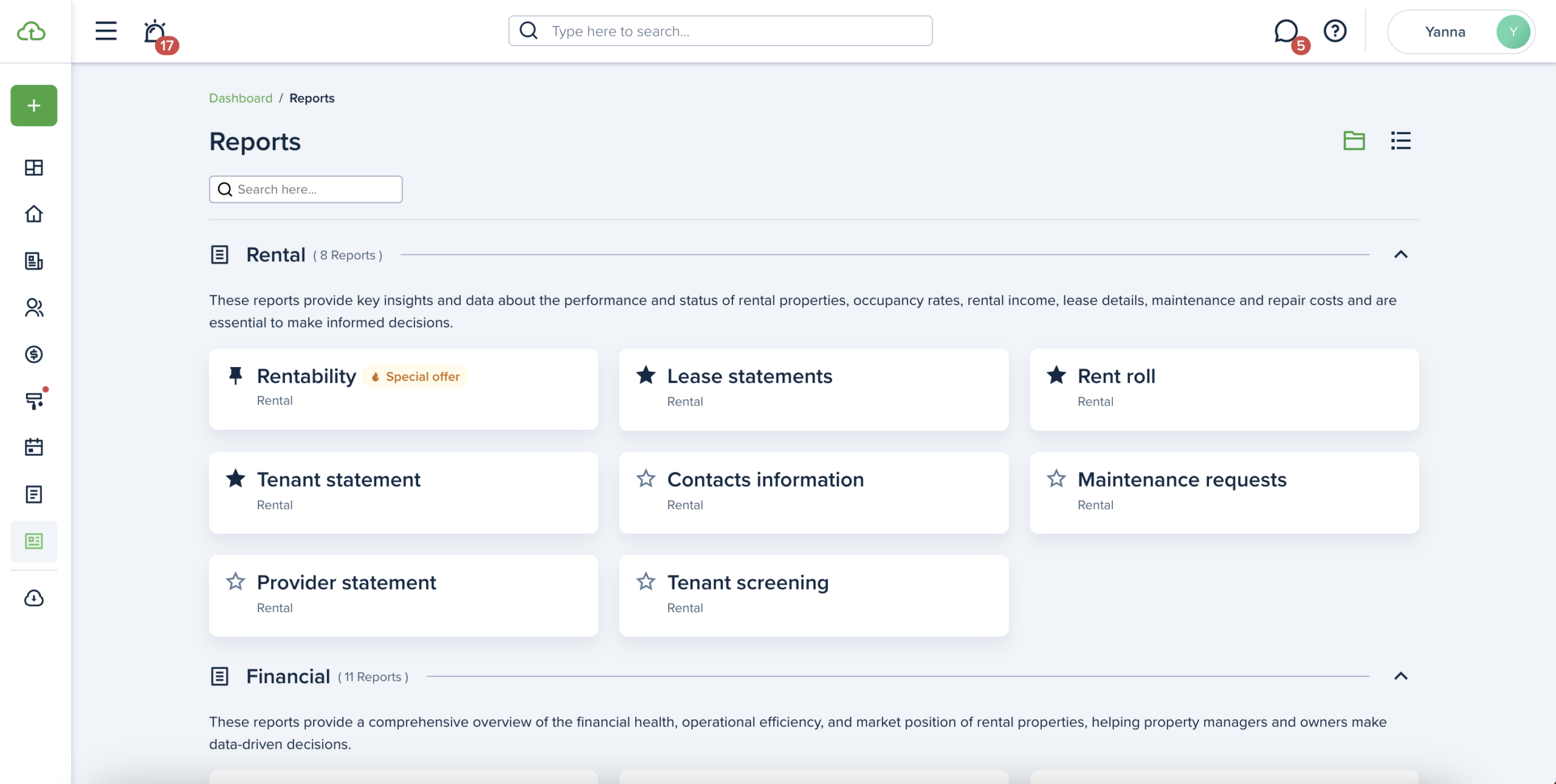
Reports have a more prominent hover effect, along with the option to enable/disable the swimlane, which groups the reports. A brief description of each report type is also included to help users choose more easily.
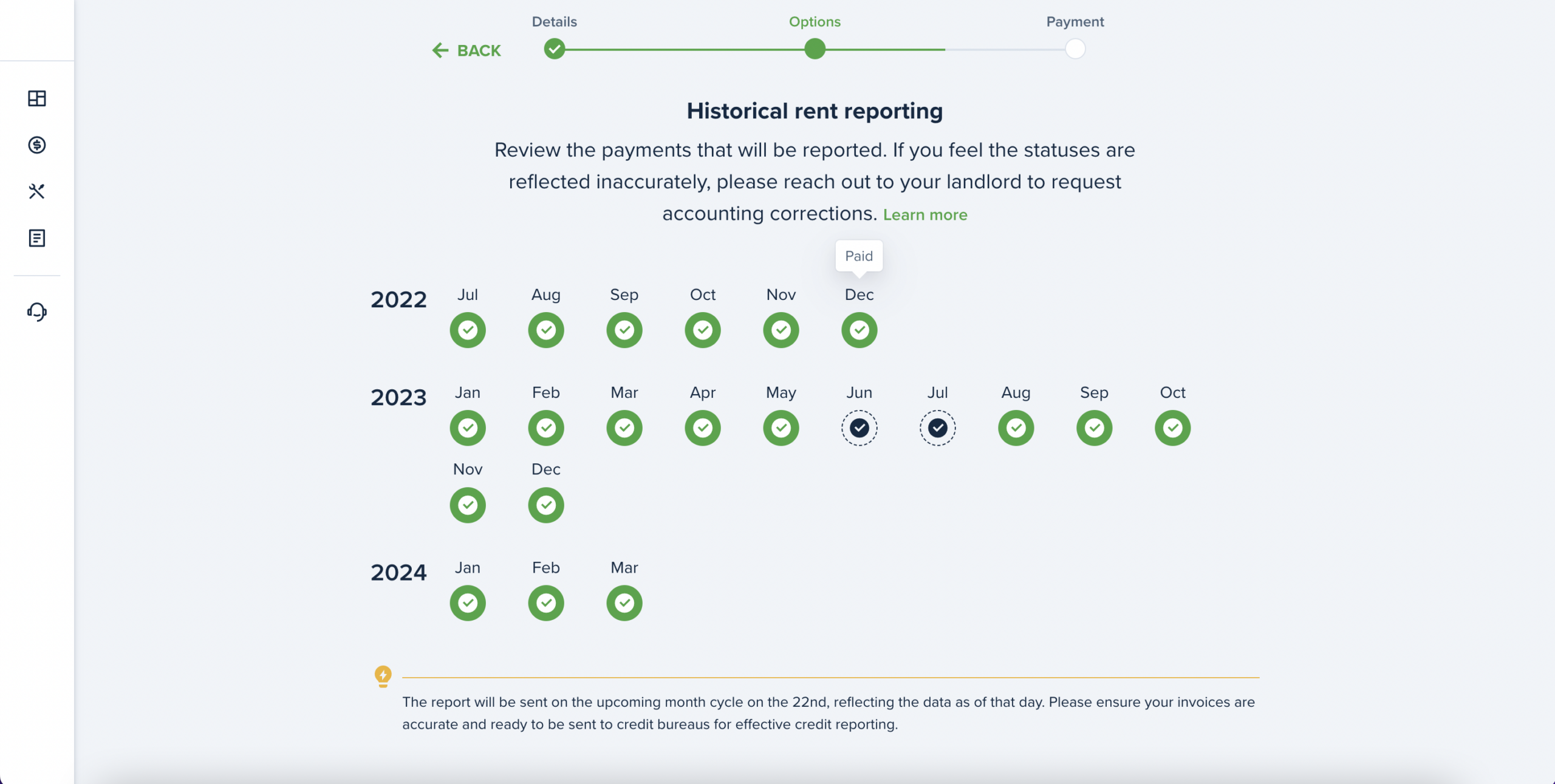
Great news! Now, tenants have the option to report up to 24 months of their payment history, boosting their score quickly in just one month and continuing to build it over time.
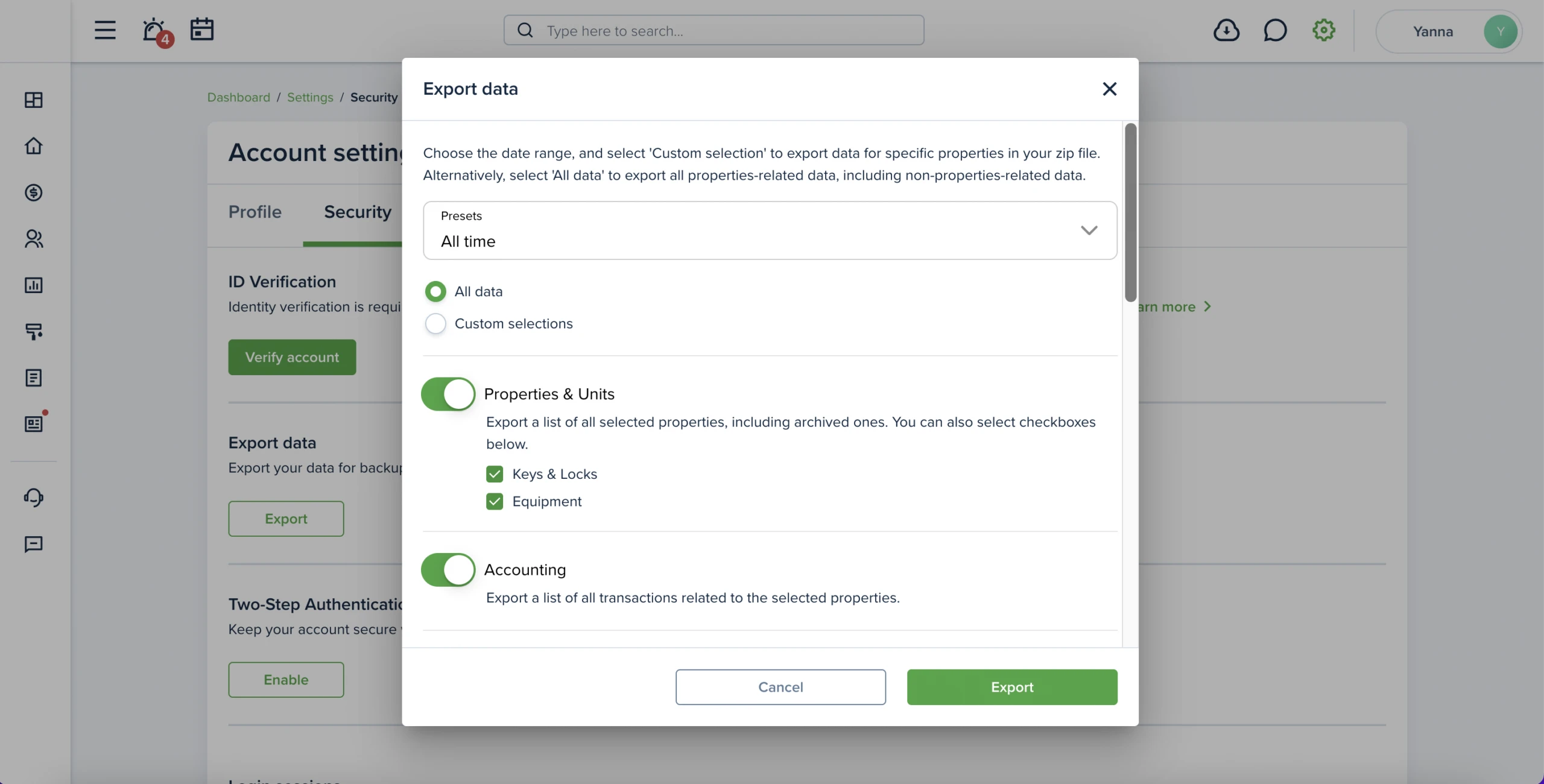
The structure of folders, Excel files, and tabs has been standardized for consistent logic as well as a date range filter and the ability to select properties have been added.
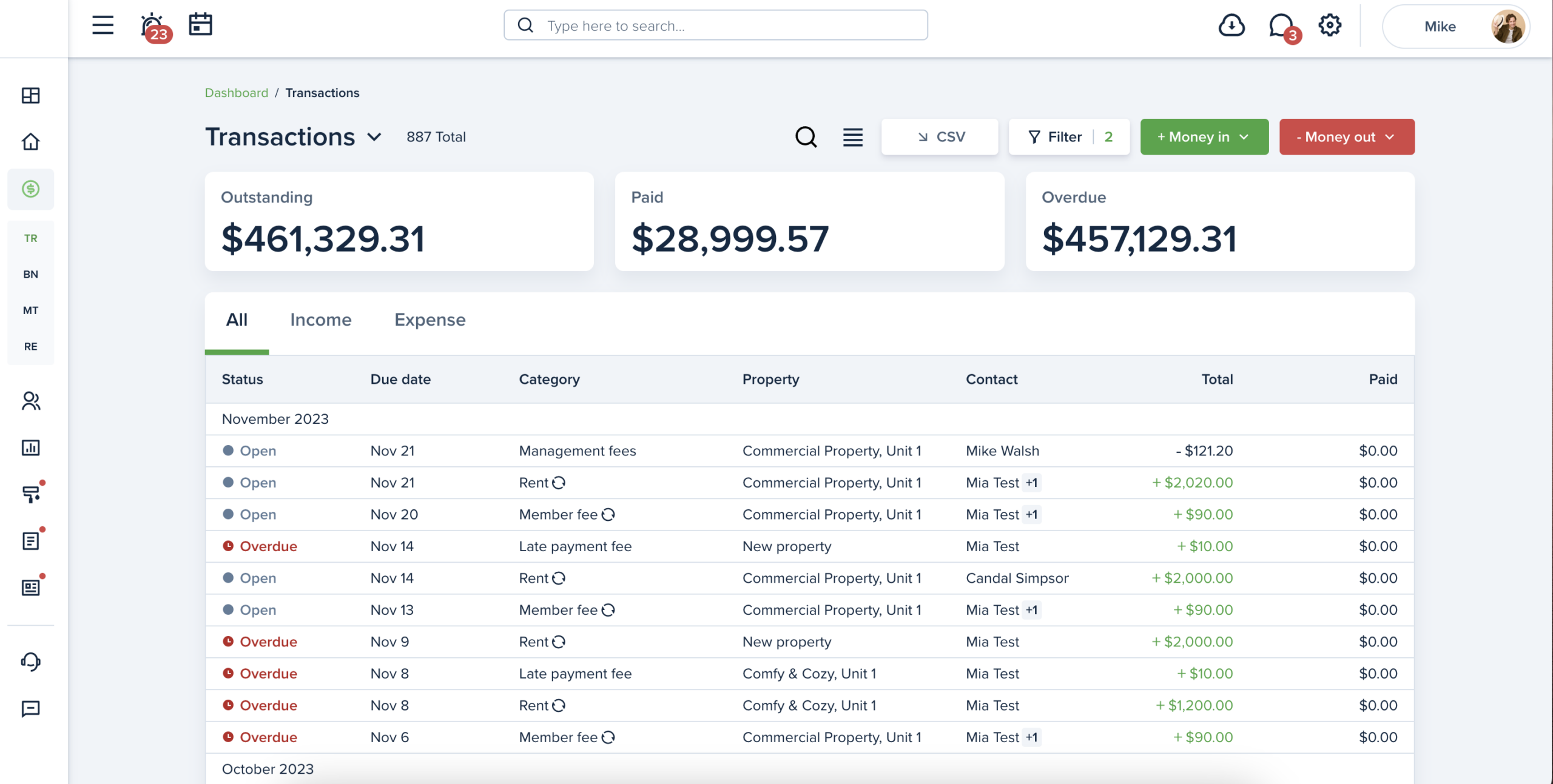
Accounting tables now have two types: expanded and compact view. You can change the view of the table by clicking the “expanded/ compact view” icon in the header of the page. Selected view will be saved until it’s changed. The whole row is clickable and redirects to the invoice preview page.
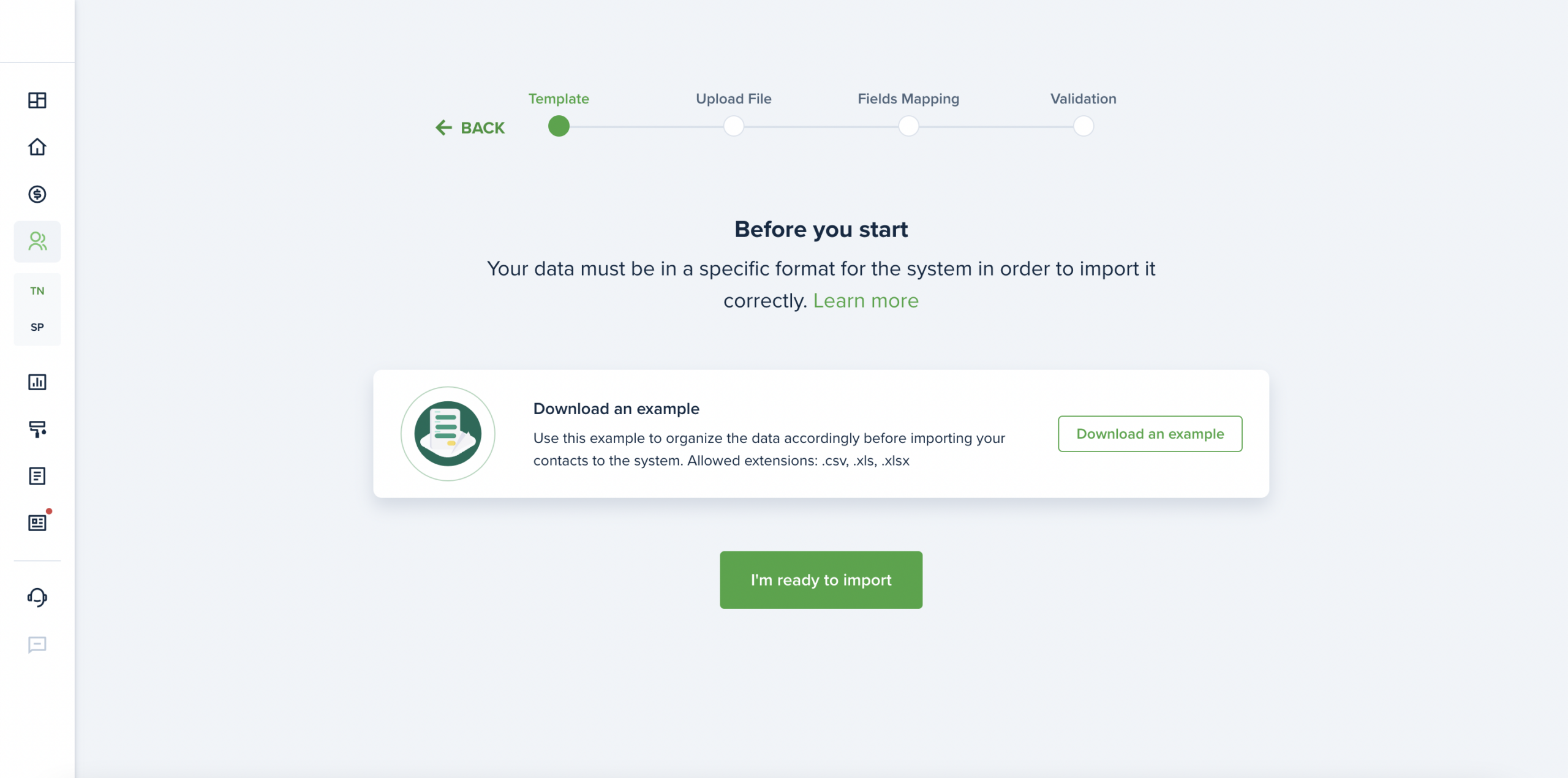
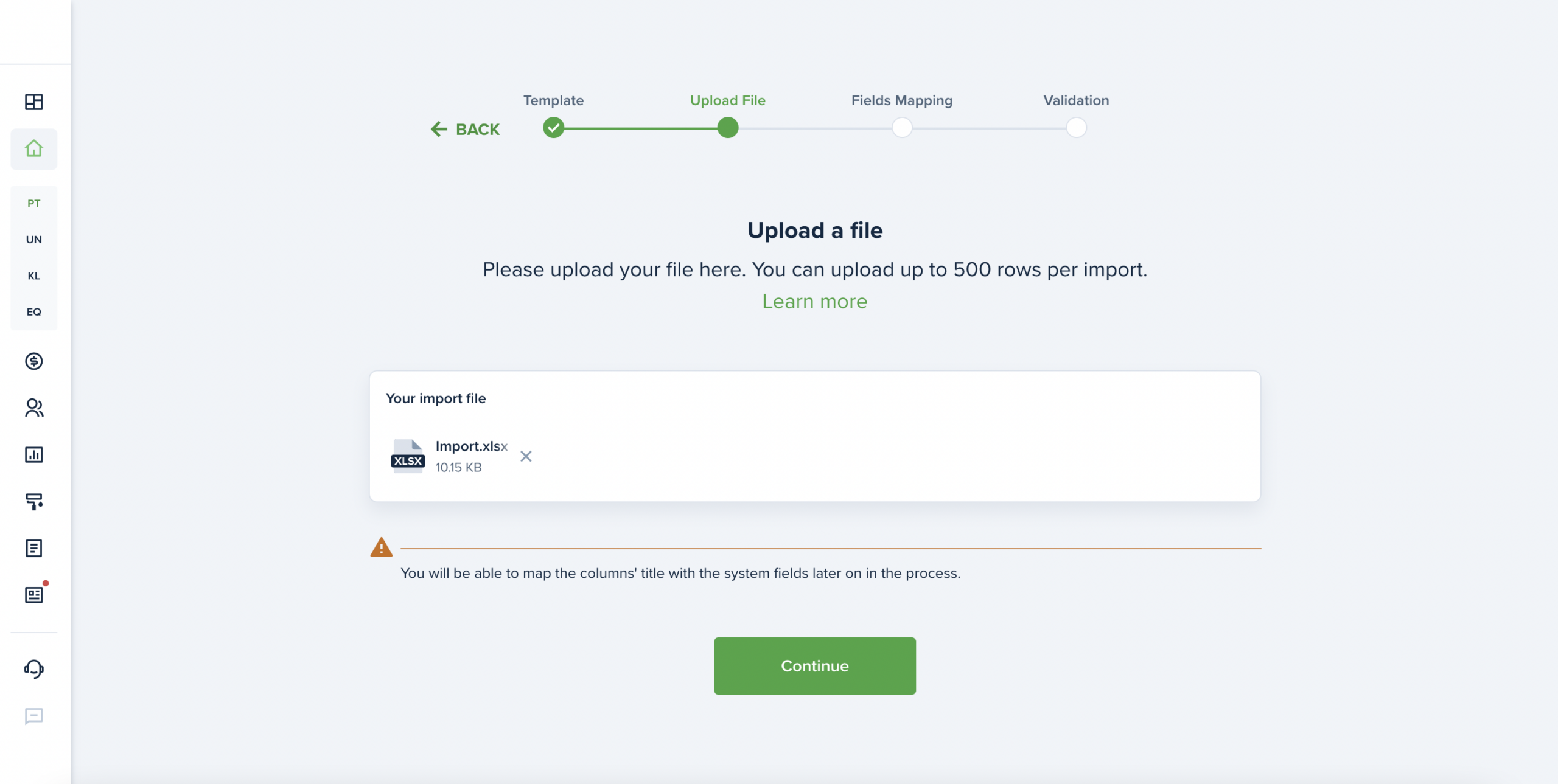
We’ve improved the contacts import process. Now, it looks like a wizard form, with just a few steps: use the suggested file as a template, map the fields, correct any validation errors, if present, and import the contacts all at once.
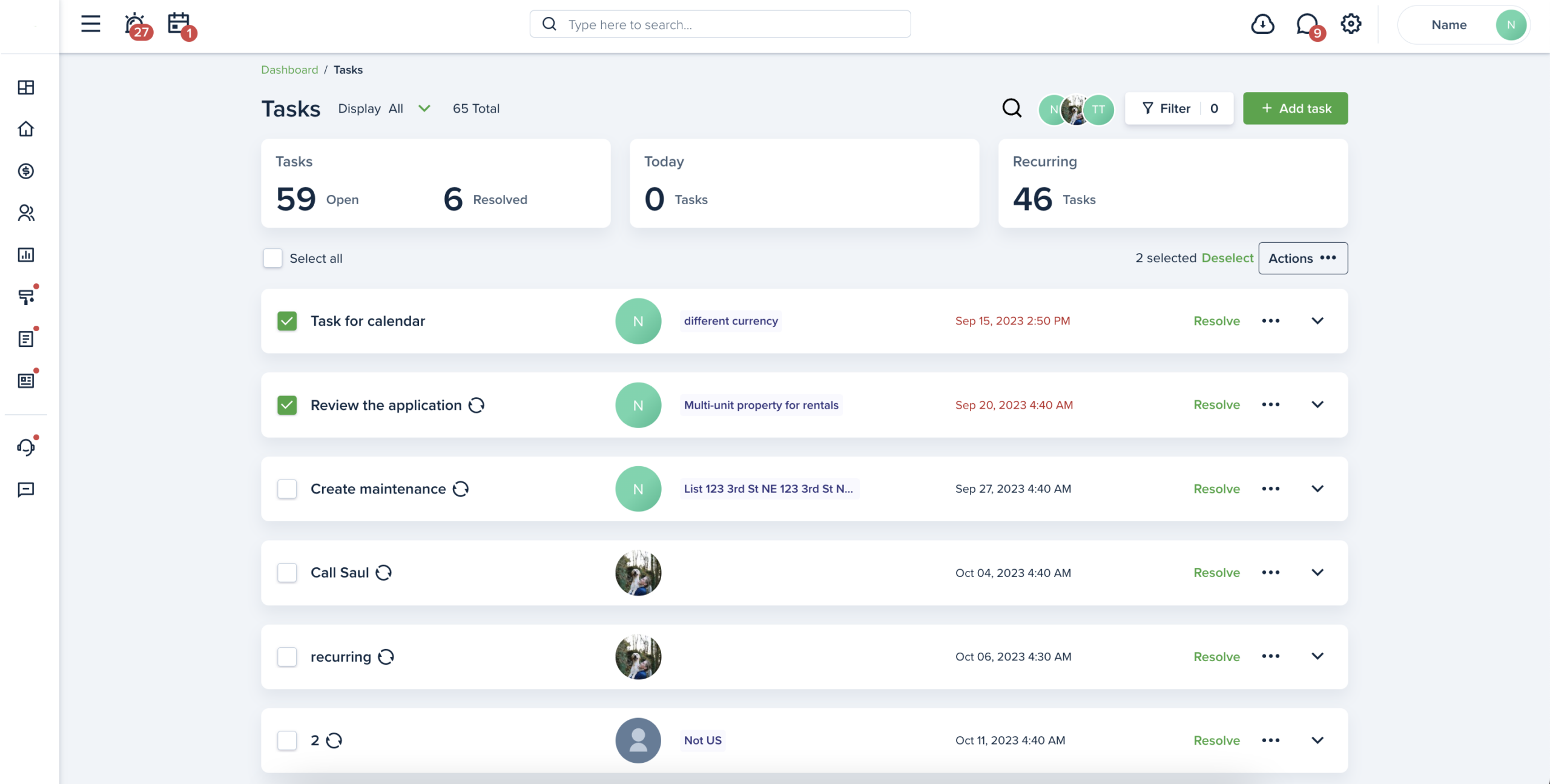
Improved and redesigned the Tasks list page. LL/PM can now manage tasks in bulk: resolve/ unresolve/ delete. We have added additional filters (by Assignee, frequency and property&units), the ability to search on the page by task’s title and description and the display (by all/ open/ resolved tasks).
The interface has been improved, and users can now edit settings at any time. Service Pros are synchronized as Vendors now and only expense invoices will be shown on QBO. Canadian users can now synchronize their accounts with QBO.
We’ve improved the property import process. Now, it looks like a wizard form, with just a few steps: use the suggested file as a template, map the fields, correct any validation errors, if present, and import the properties all at once.
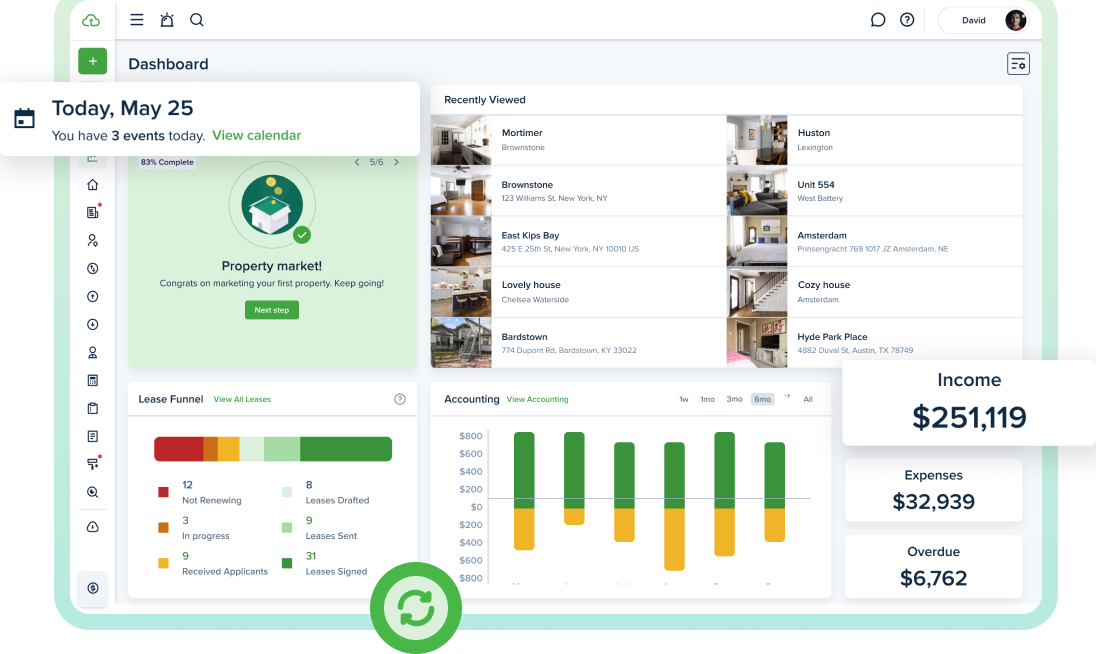
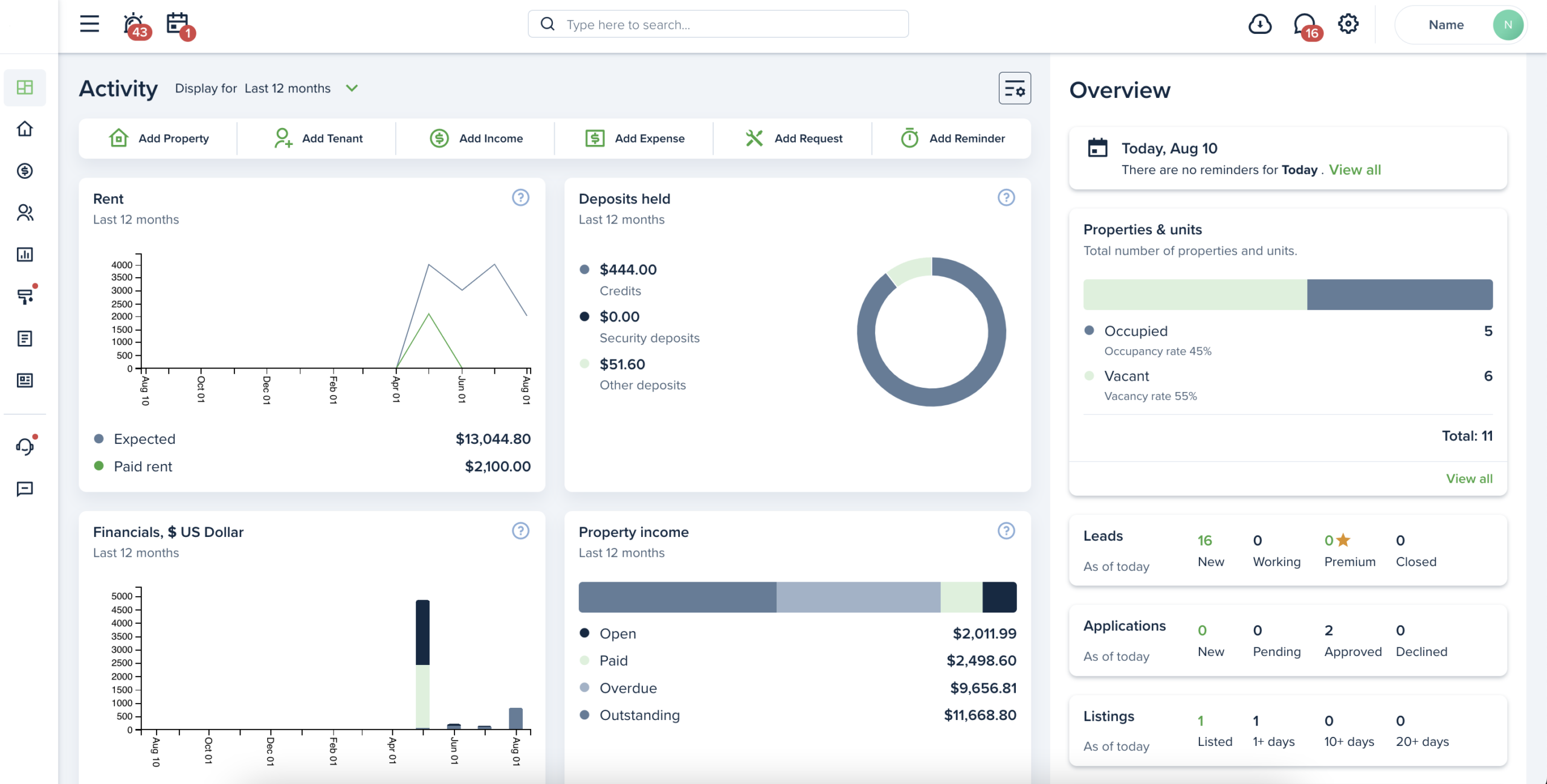
The new view of widgets on Dashboard has been redesigned. It is divided into 2 parts: Activity and Overview. The Activity part is filtered by “Current month” date range, but you can filter the page by other available presets. The Overview part shows the the total number of items on the account.
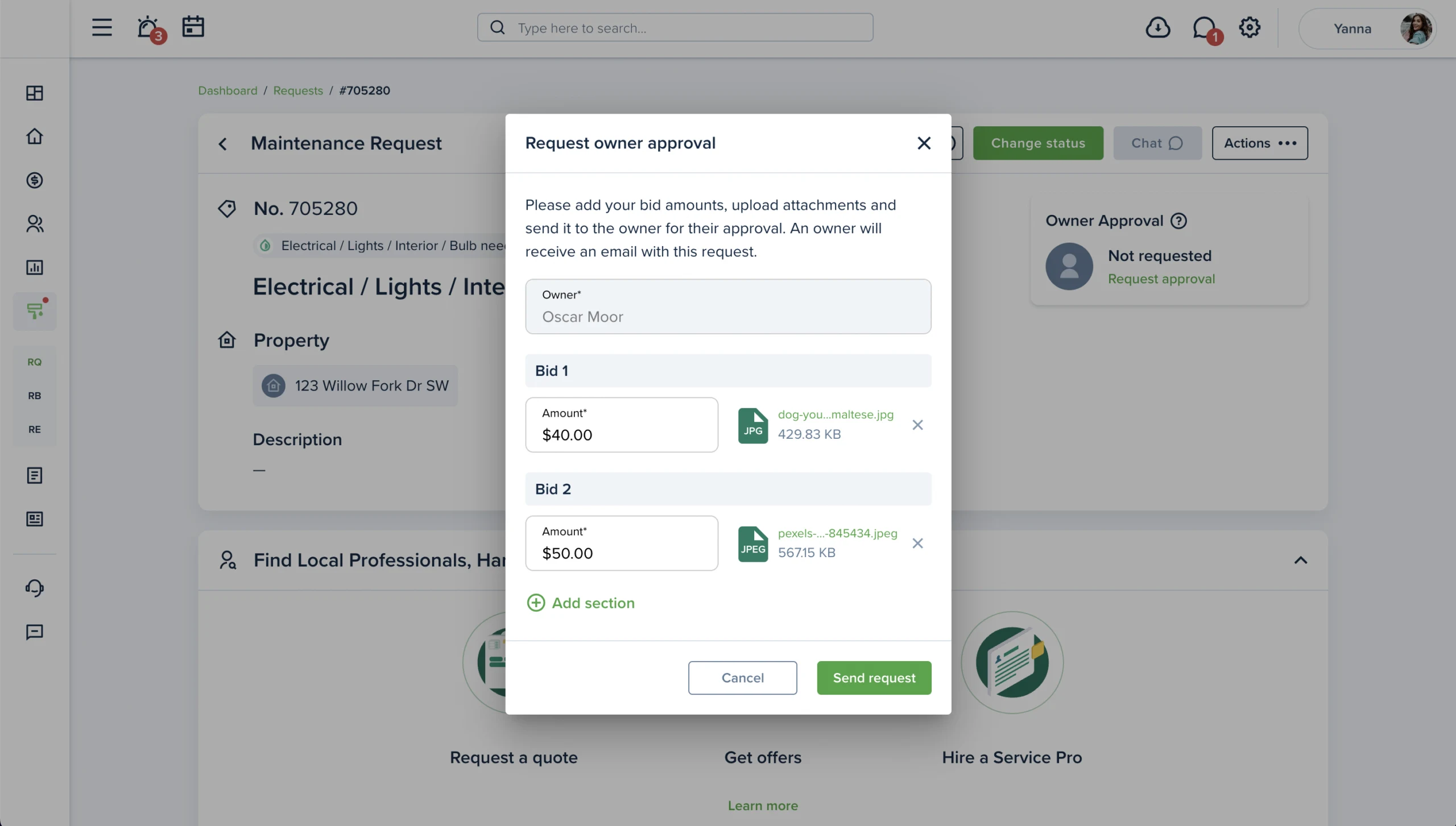
The owner approval feature has been improved and redesigned to make the user experience better. Now, the widget with the “Owner approval” information is placed directly on the request preview page. Owners can navigate requests easier thanks to the new widget on the dashboard, bids icon, and filters.