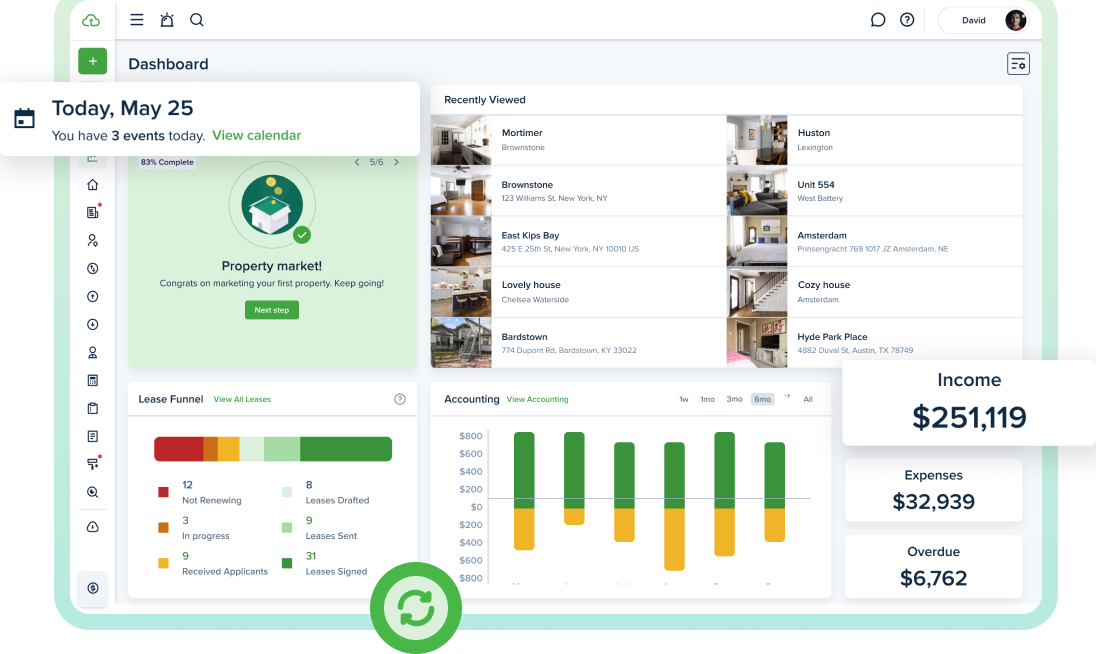
We aim to create a modern, reliable platform to help you operate your rental business in today’s world. Whether it’s a new feature, a powerful integration, or a quick improvement, we regularly evaluate how you use TenantCloud to make meaningful updates that matter most.
How to Review TenantCloud Software Updates
This is your hub for the latest TenantCloud improvements, feature releases, and product updates. Use the category filters to quickly browse by type or scroll below to see what’s new.
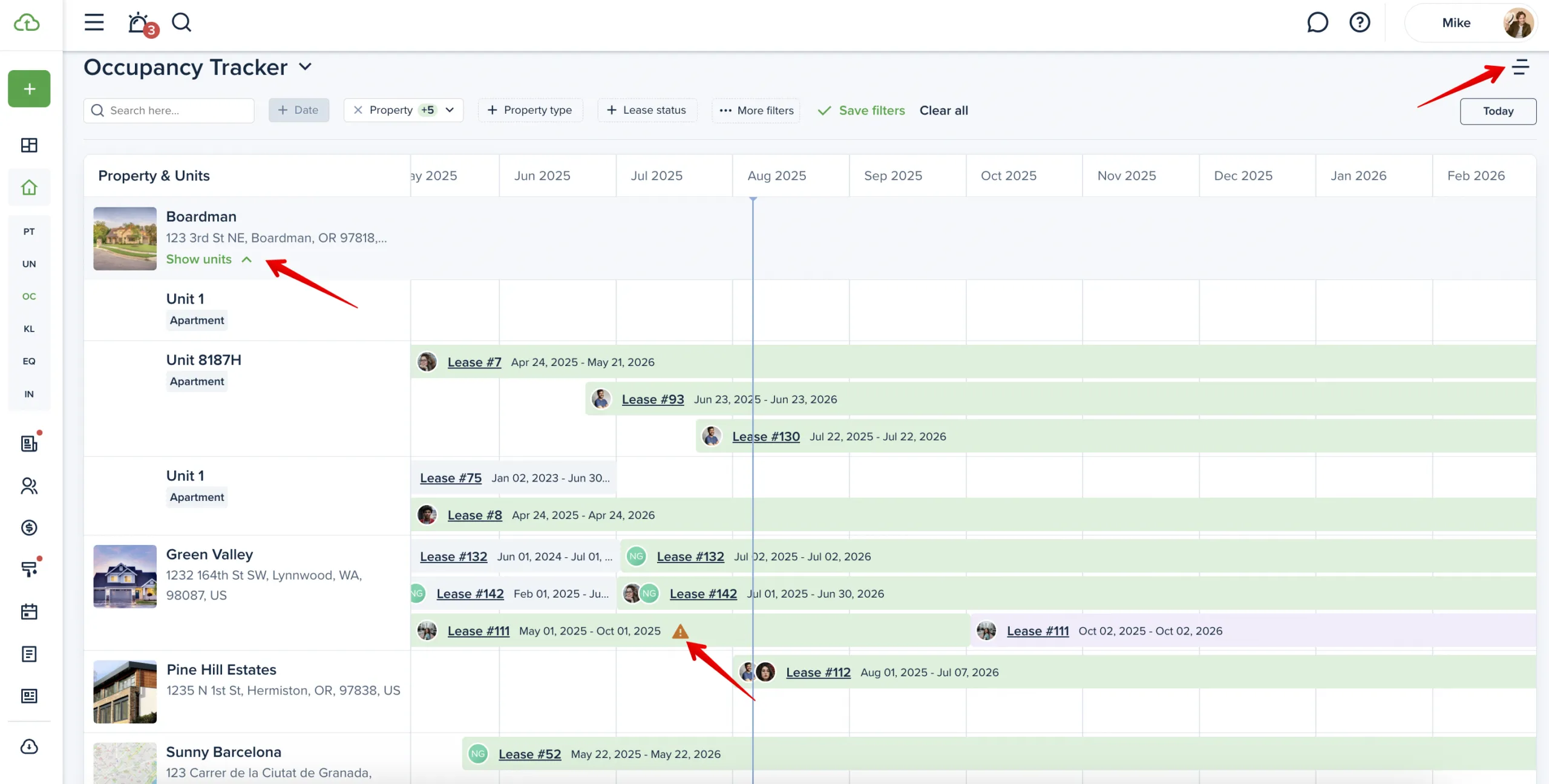
A visual tool to track lease activity across properties. Instantly see current, upcoming, and past occupancies, spot expiring leases, and take action directly from the board. Switch between list and timeline views for better clarity. Timeline view is available on the Pro plan and up.
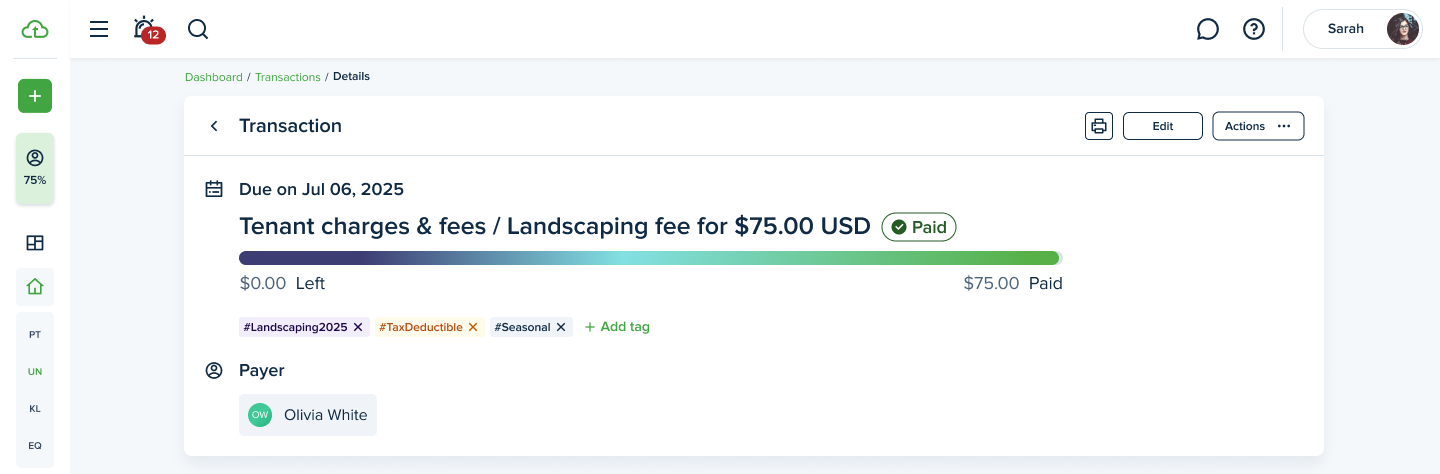
You can now create and assign custom tags to invoices for more flexible transaction tracking. Tags can be added during invoice creation or from your accounting settings. Use up to five tags per invoice, apply them to recurring items, and filter by tags for better organization and insights.
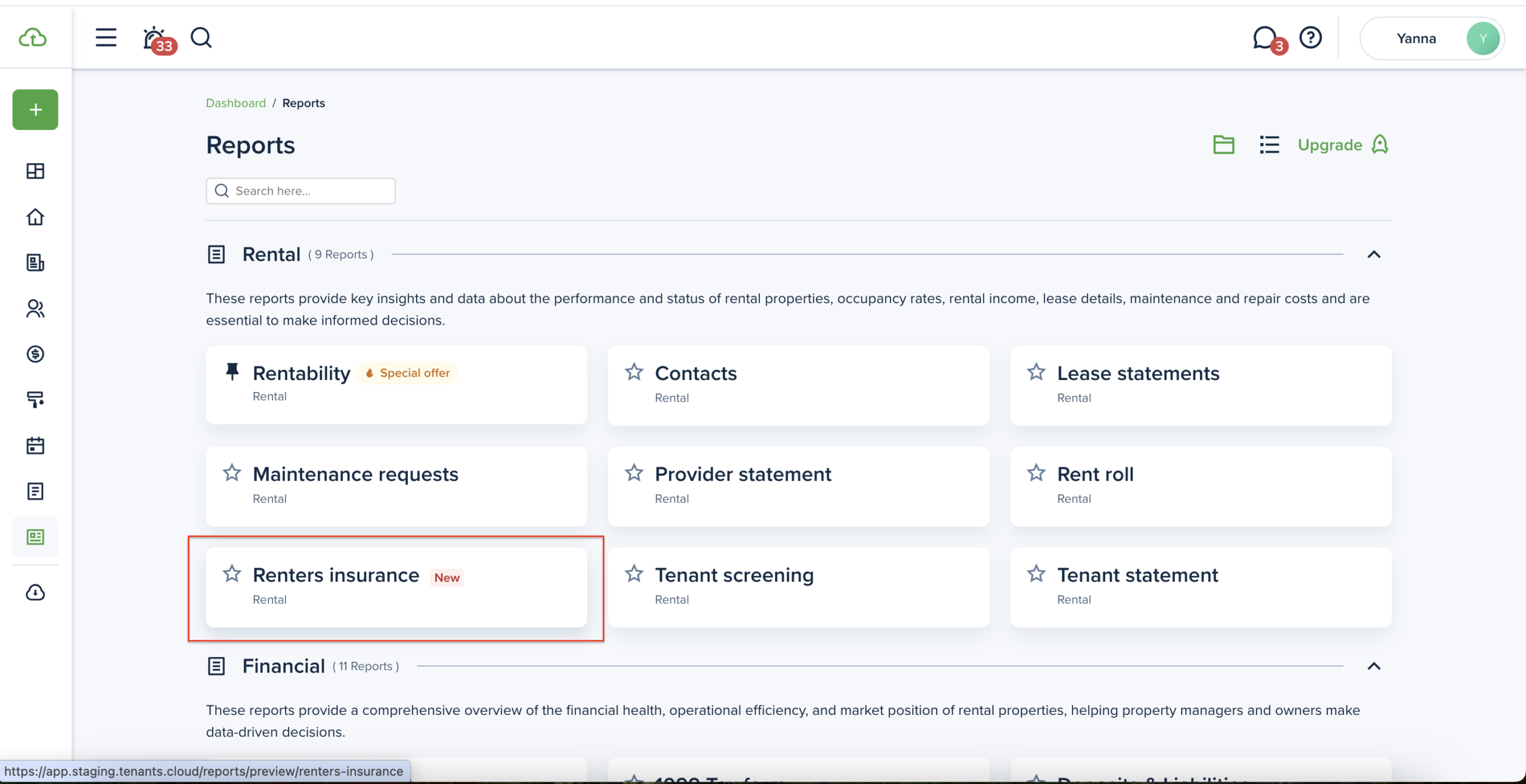
The new report helps you stay on top of insurance compliance. It shows which occupied properties have active, expired, or missing policies. You can also track pending cases where insurance is required but not yet provided, as well as tenants who voluntarily added coverage.
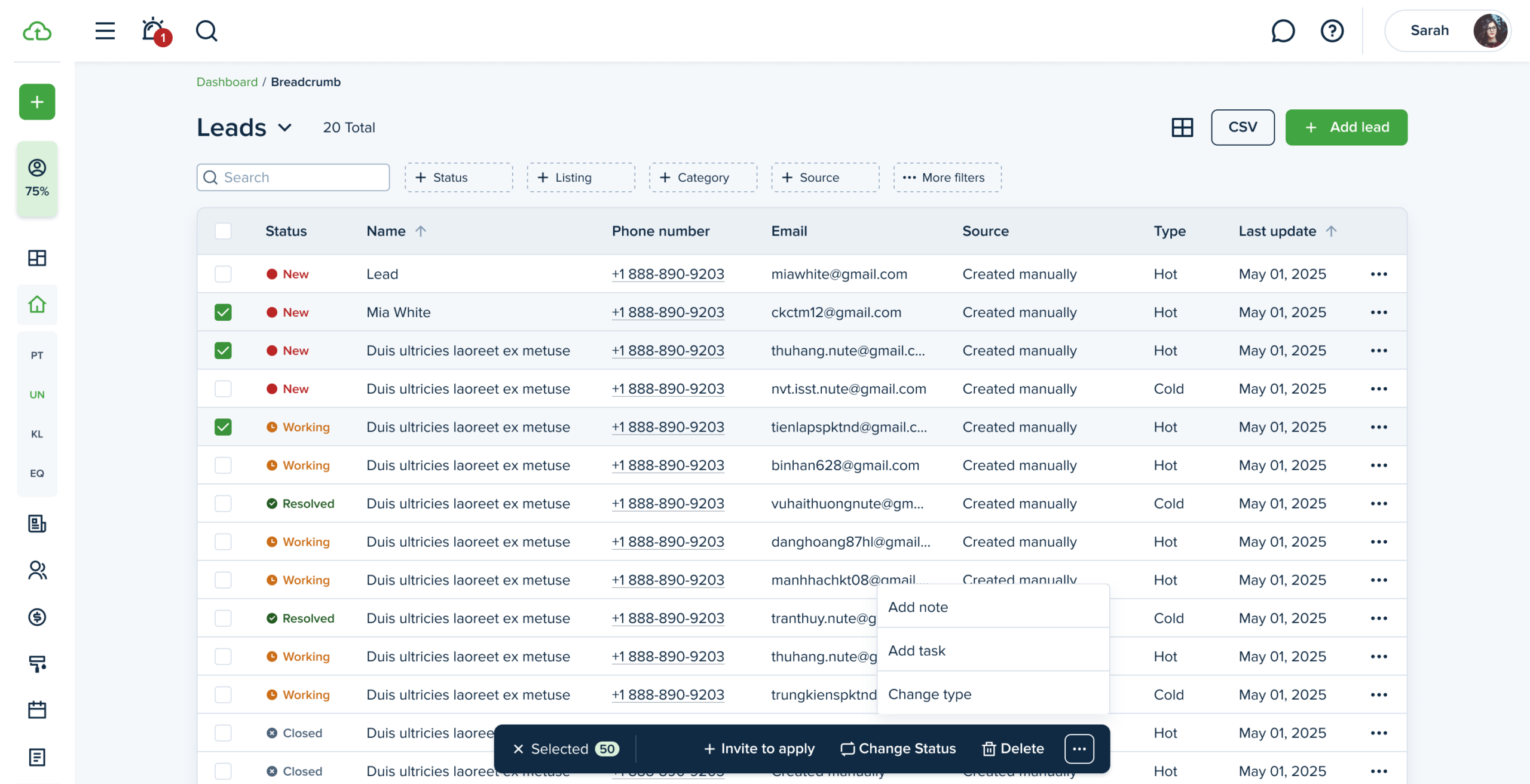
Managing high volumes of data just got easier. You can now perform bulk actions on your leads using a redesigned interface with checkboxes and a floating action menu. This update is a game-changer for users handling large numbers of units, tenants, or transactions. Faster workflows, fewer clicks.
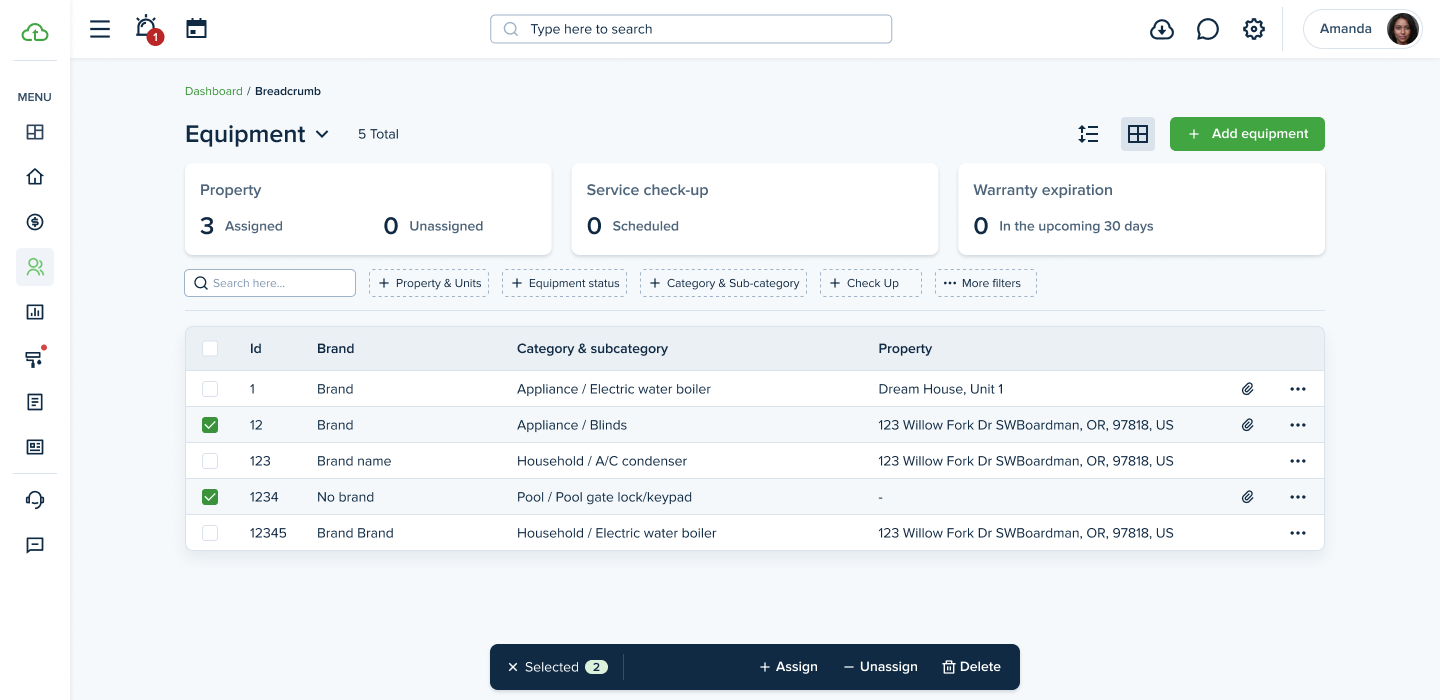
Bulk Operations Now Available on the Equipment Page
Managing equipment just got easier! You can now delete, assign to a property, or unassign multiple items at once directly from the Equipment page. Save time and simplify your workflow with these new bulk actions.
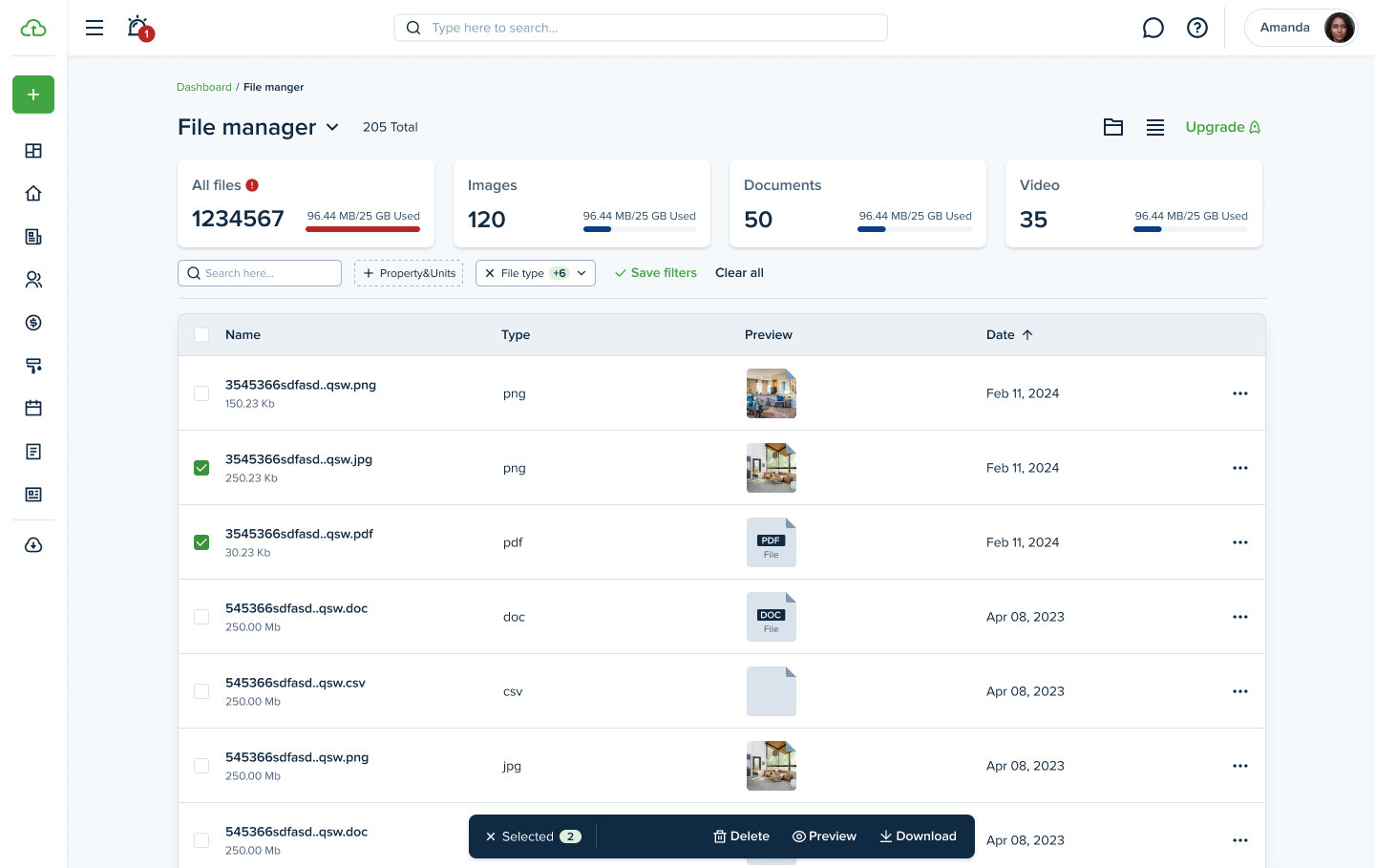
Bulk Operations Now Available on the File Manager Page
We’ve added bulk actions to the File Manager! You can now select multiple files to move, delete, or manage all at once—making file handling faster and more efficient.
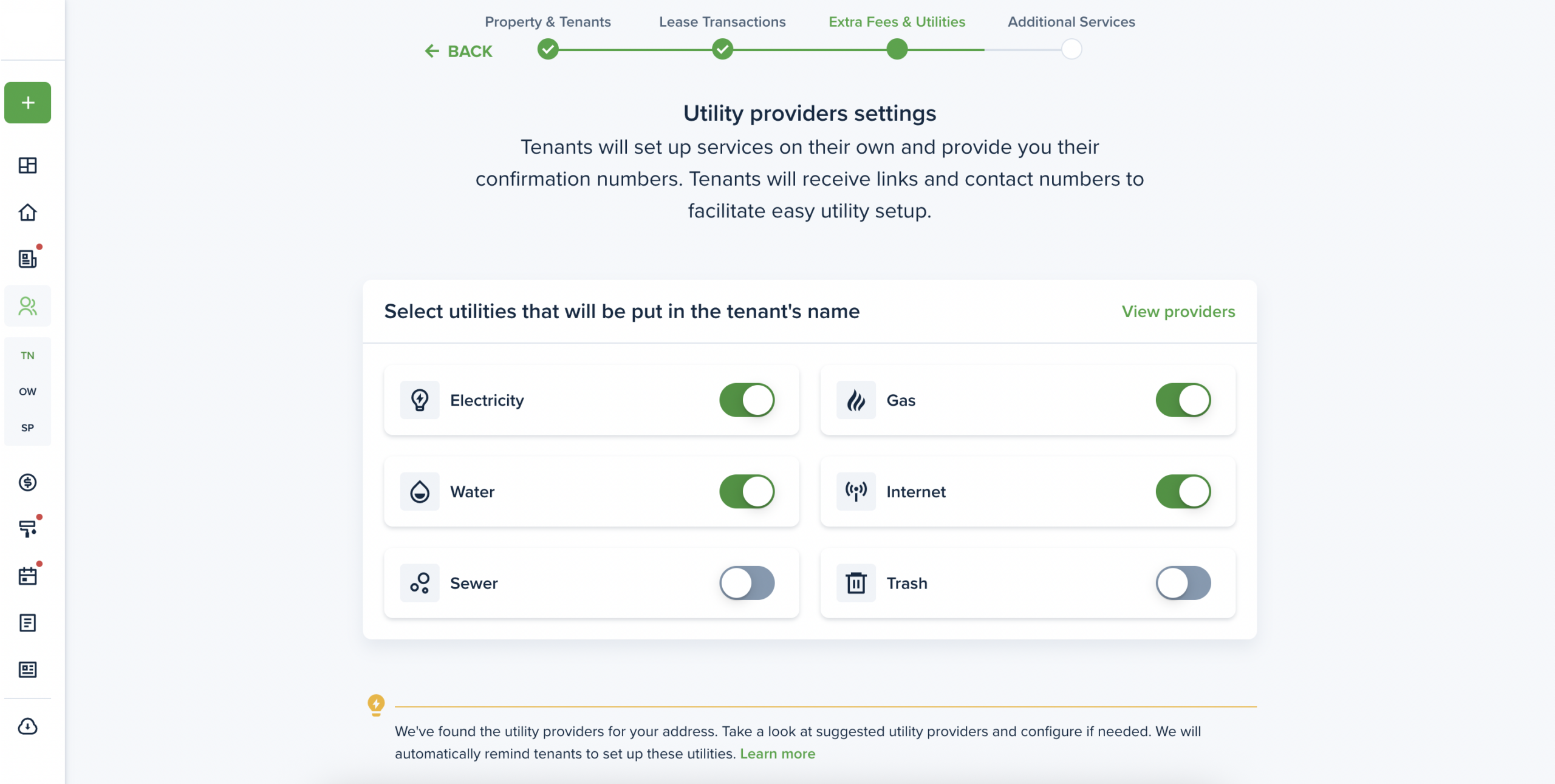
View and manage which utility companies are available at your properties. Utility services can be activated during the Move-in process or on the preview page for existing lease. Tenants will receive an invitation to set up utilities and will set up services on their own.
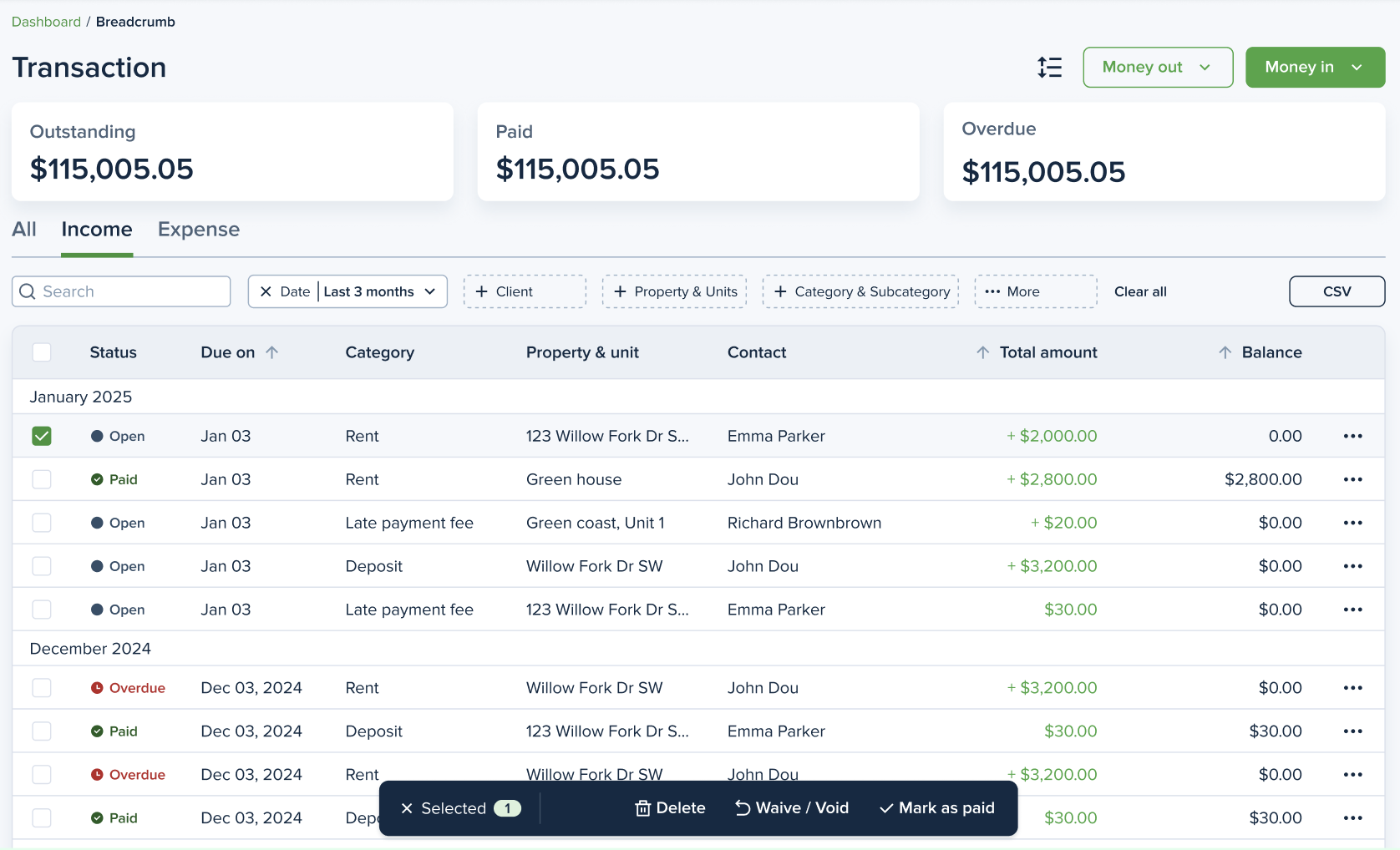
Bulk Operations Now Available on the Transactions Page
You can now select and take action on multiple transactions at once — no more handling them one by one. Whether you’re marking invoices as paid, voiding or waiving, or deleting them altogether, bulk actions give you the control you need to manage your finances in less time.
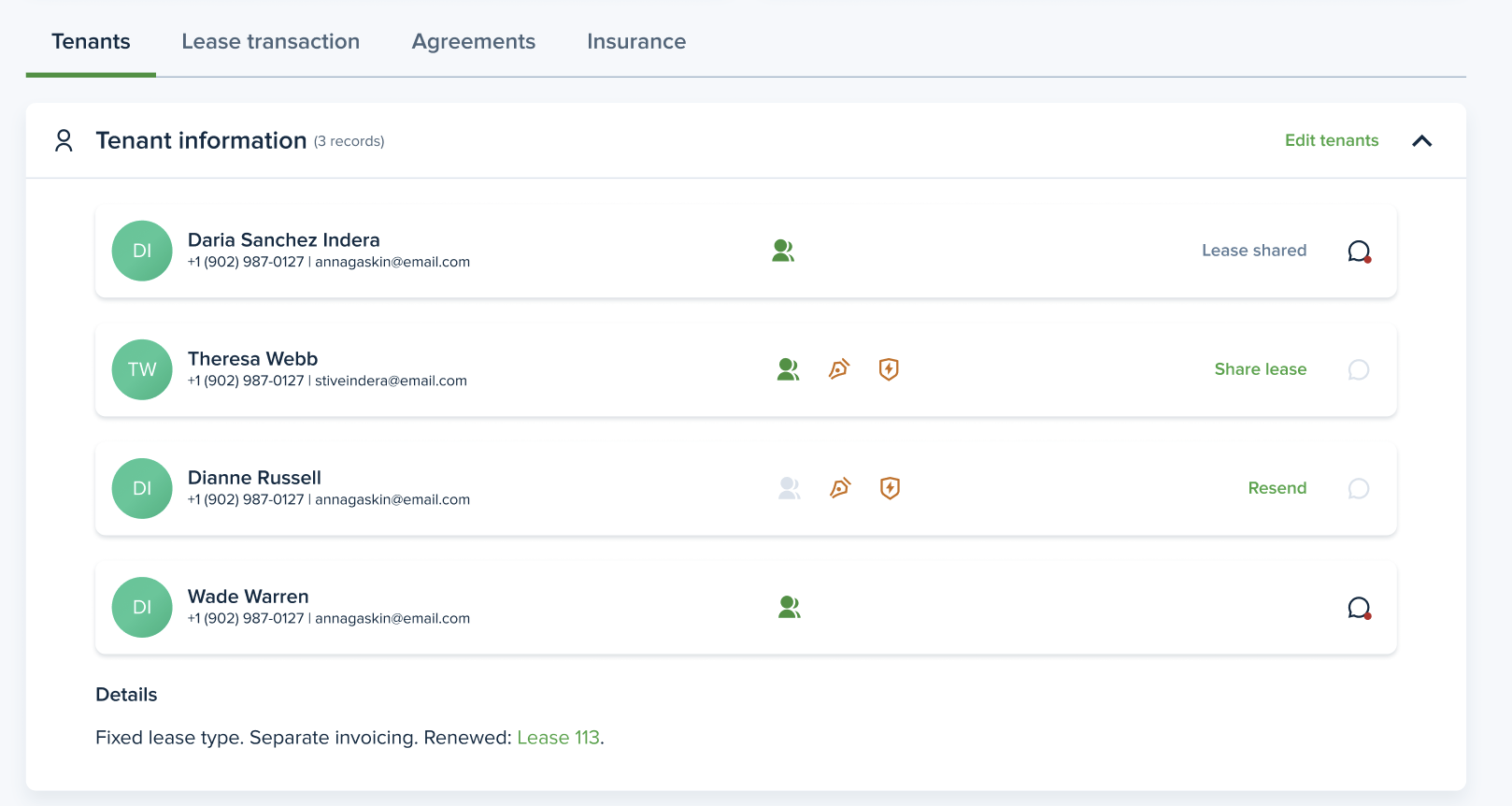
With this new feature, you will be able to update specific sections or records of a lease directly from the lease view page. No more navigating through lengthy forms—just quick, easy edits where and when you need them.