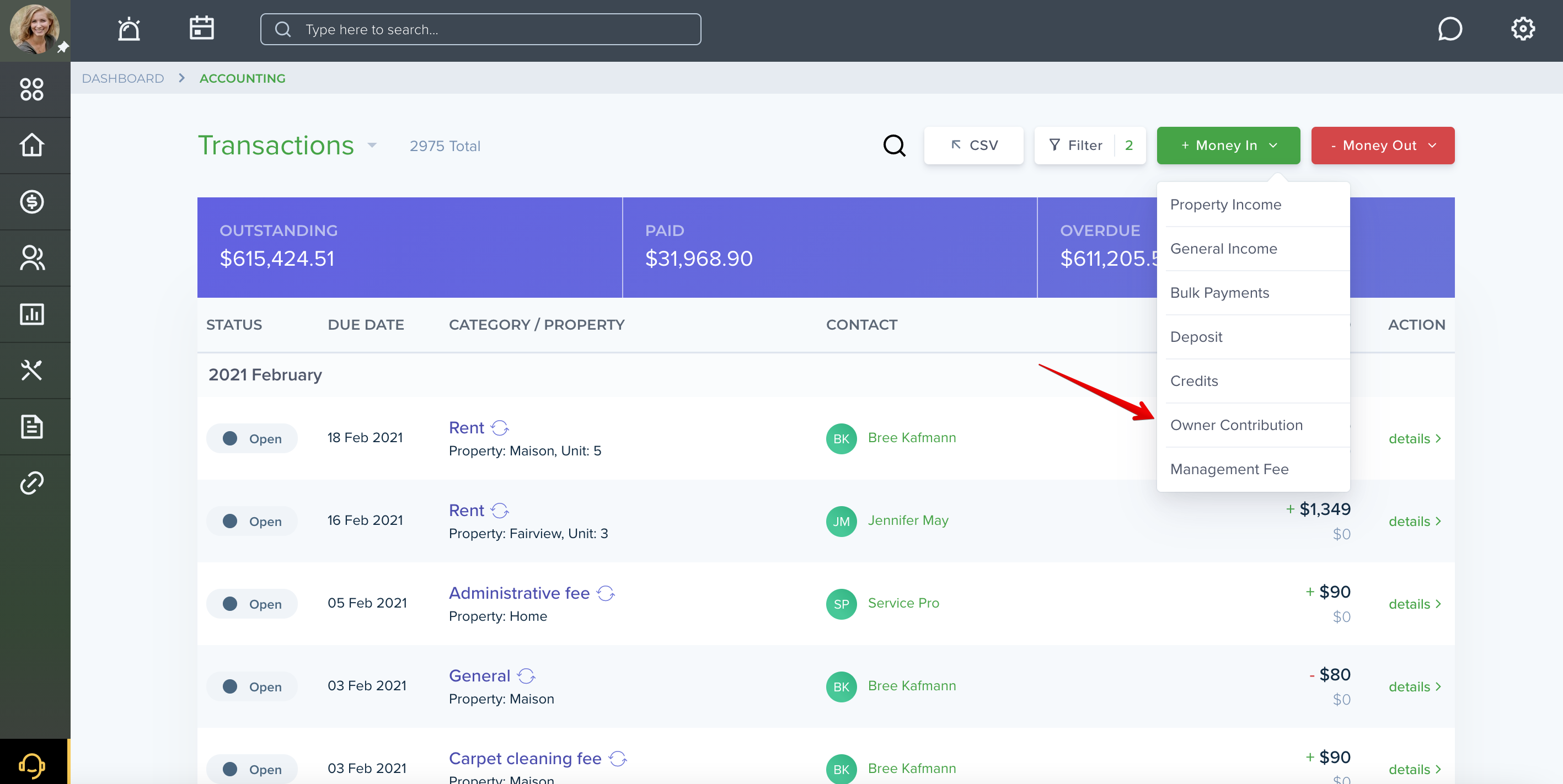
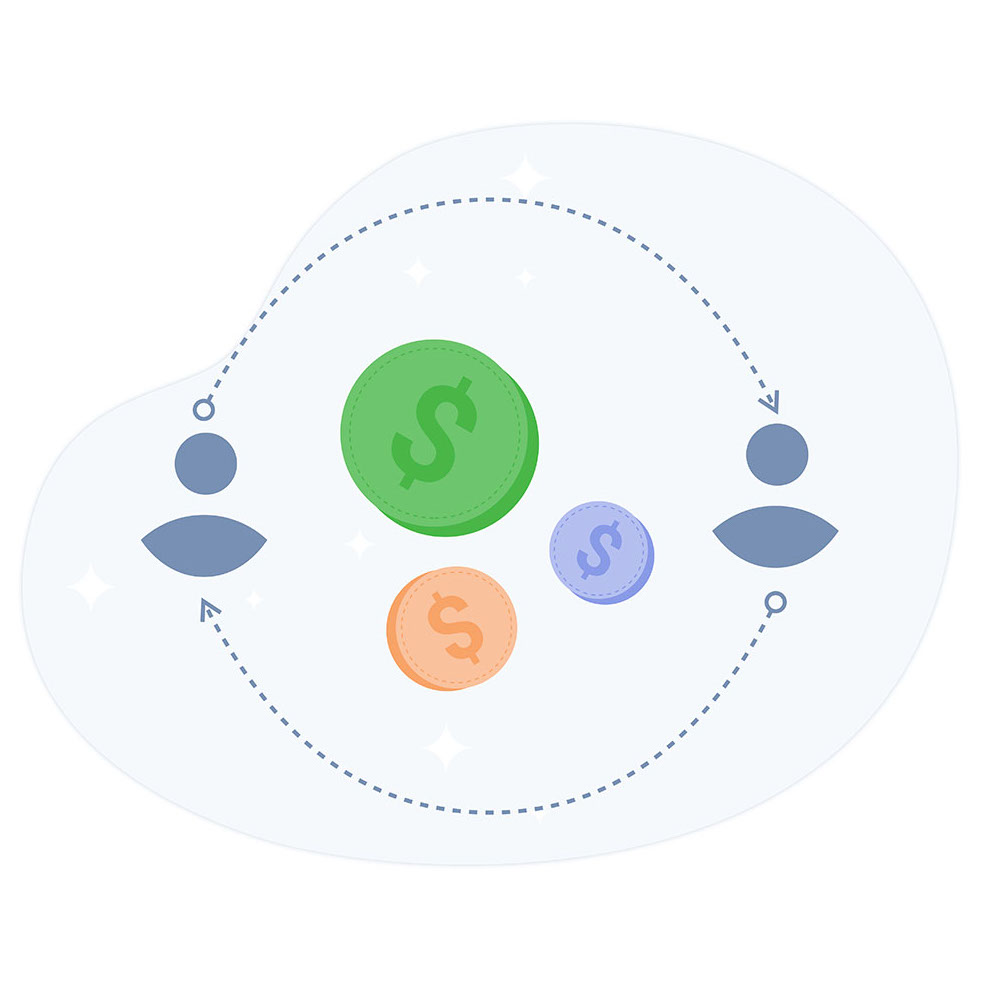
With TenantCloud, to properly record owner contributions all you need to do is to select “Owner Contribution” from the “Money In” tab.
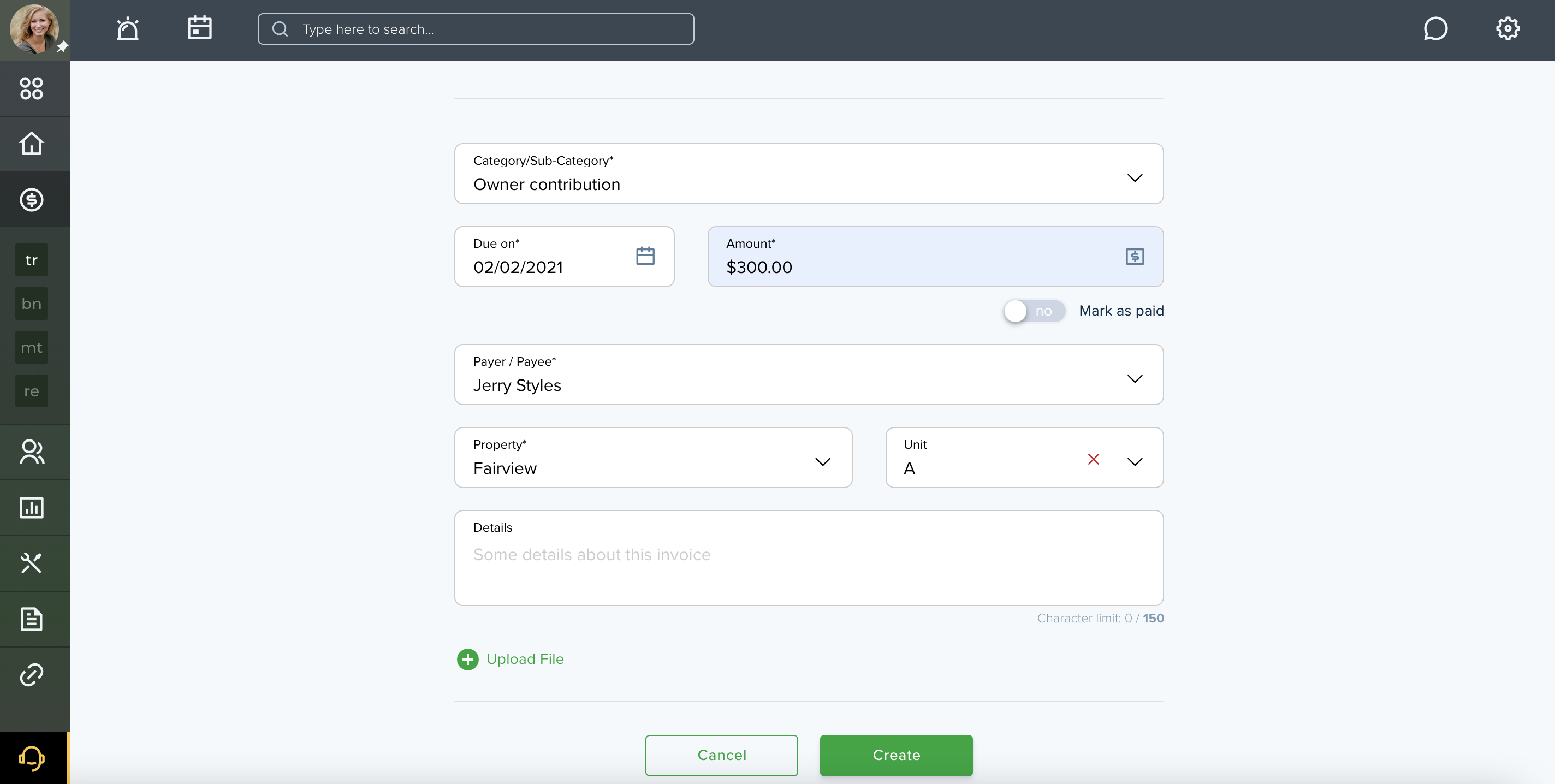
Anytime you need to accept money from an owner, go to the Accounting page and create an invoice that will be automatically sent to your connected owner, or mark it as paid if you’re using non-digital forms of payment.
Once the money has been deposited, the invoice will be marked as paid.
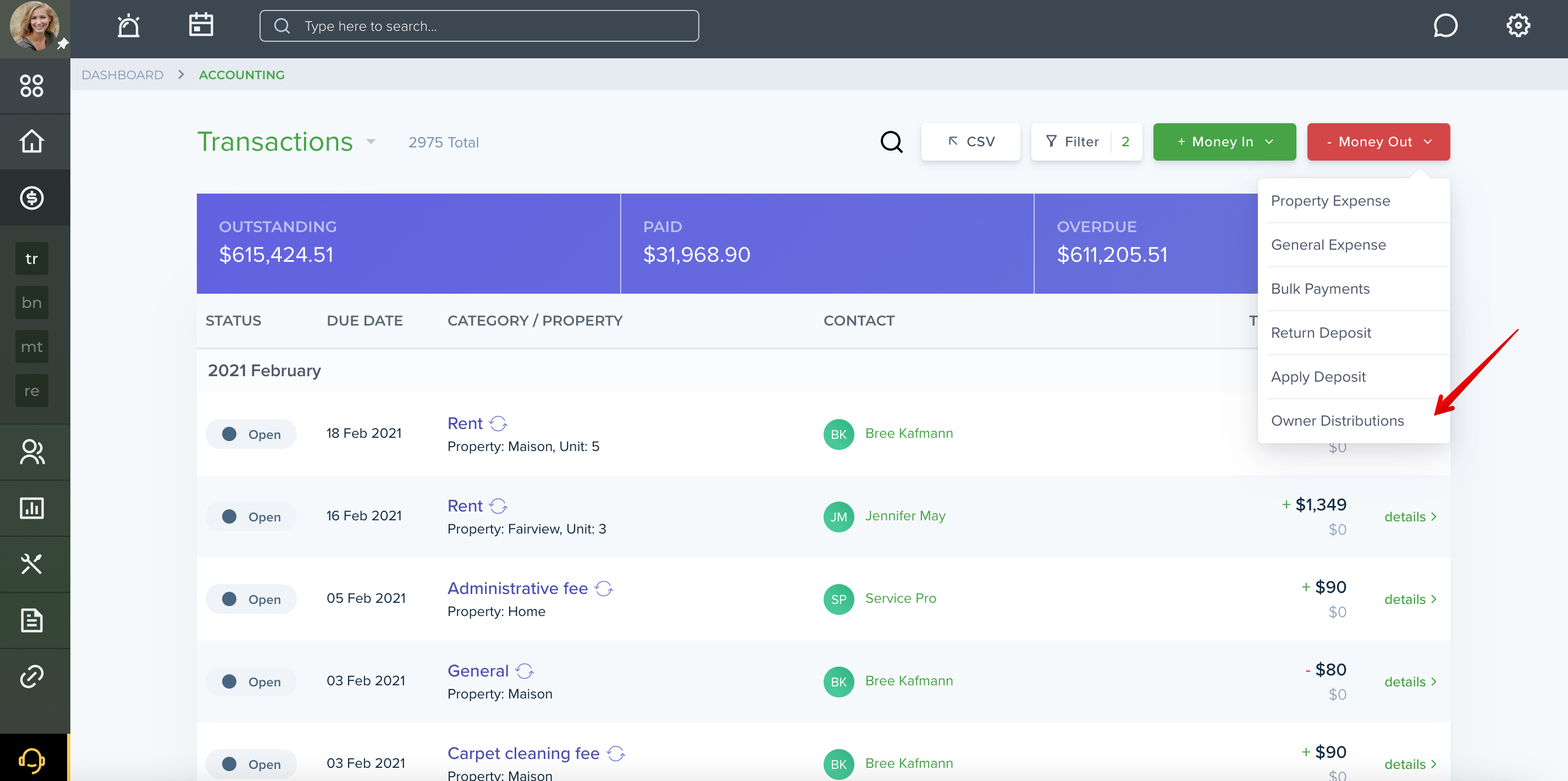
Owner’s distributions are earnings withdrawn from the profit of a property management business.
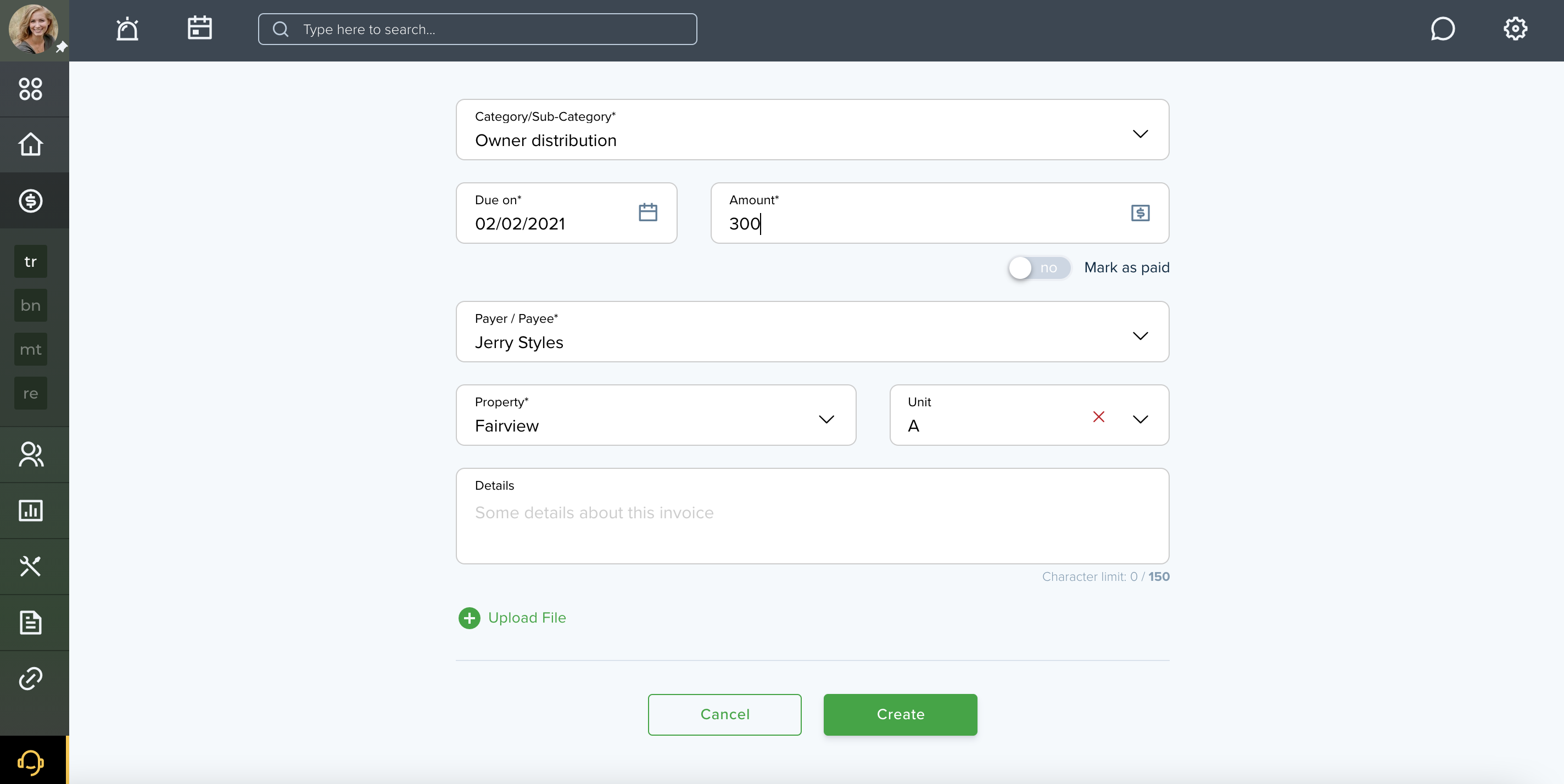
To make the payment through your online portal, choose “Owner Distributions” from the “Money Out” tab, fill in all the necessary fields, and provide the transaction.