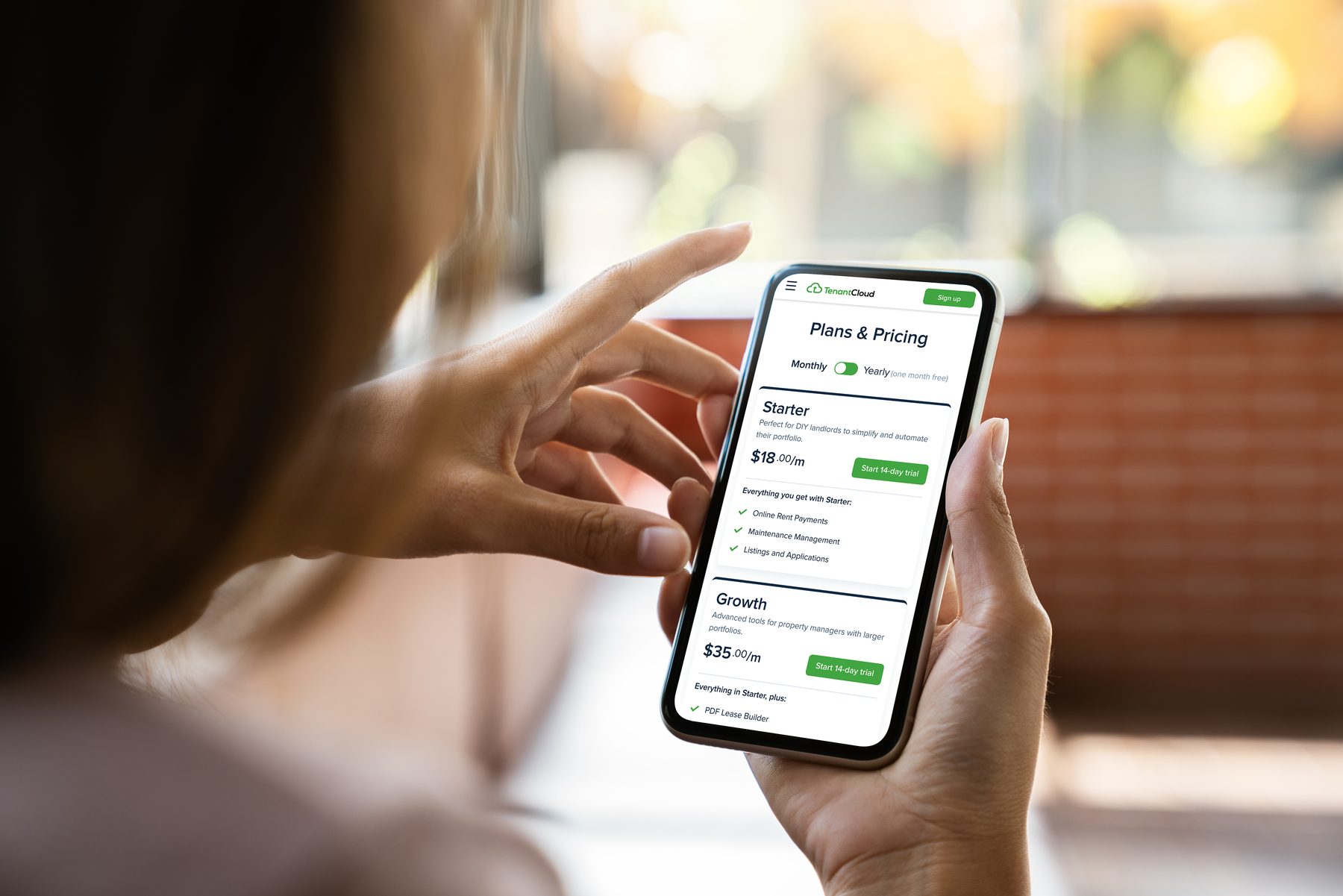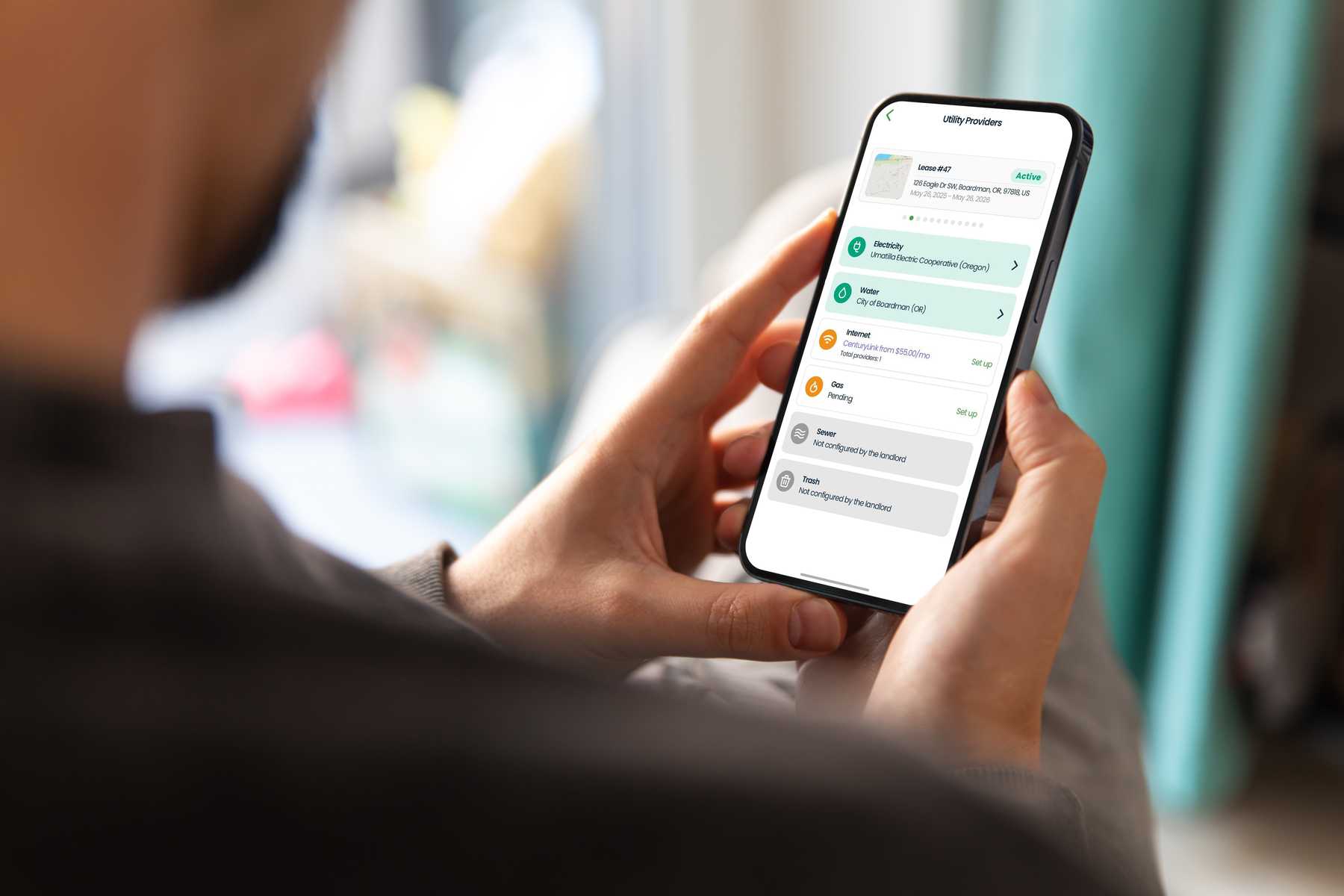
When you’re moving into a new place, you want services like water, internet, and electricity set up right away. (Unless you plan on roughing it, in which case, more power to you—or less power, technically.)
But for the rest of us, home is where the utilities are. To make internet and utility setup easier for tenants, we introduced Utility Services recently on our platform. Now, we’ve brought it one step closer via the TenantCloud App for Tenants.
Introducing Utility Services on Mobile
If you’re a tenant, you can now get everything you need to connect utilities directly from your TenantCloud app; no phone tag or paperwork required. So, while you’re already getting familiar with your new rental platform, you can check off a few extra tasks along the way.
Here’s how it works:
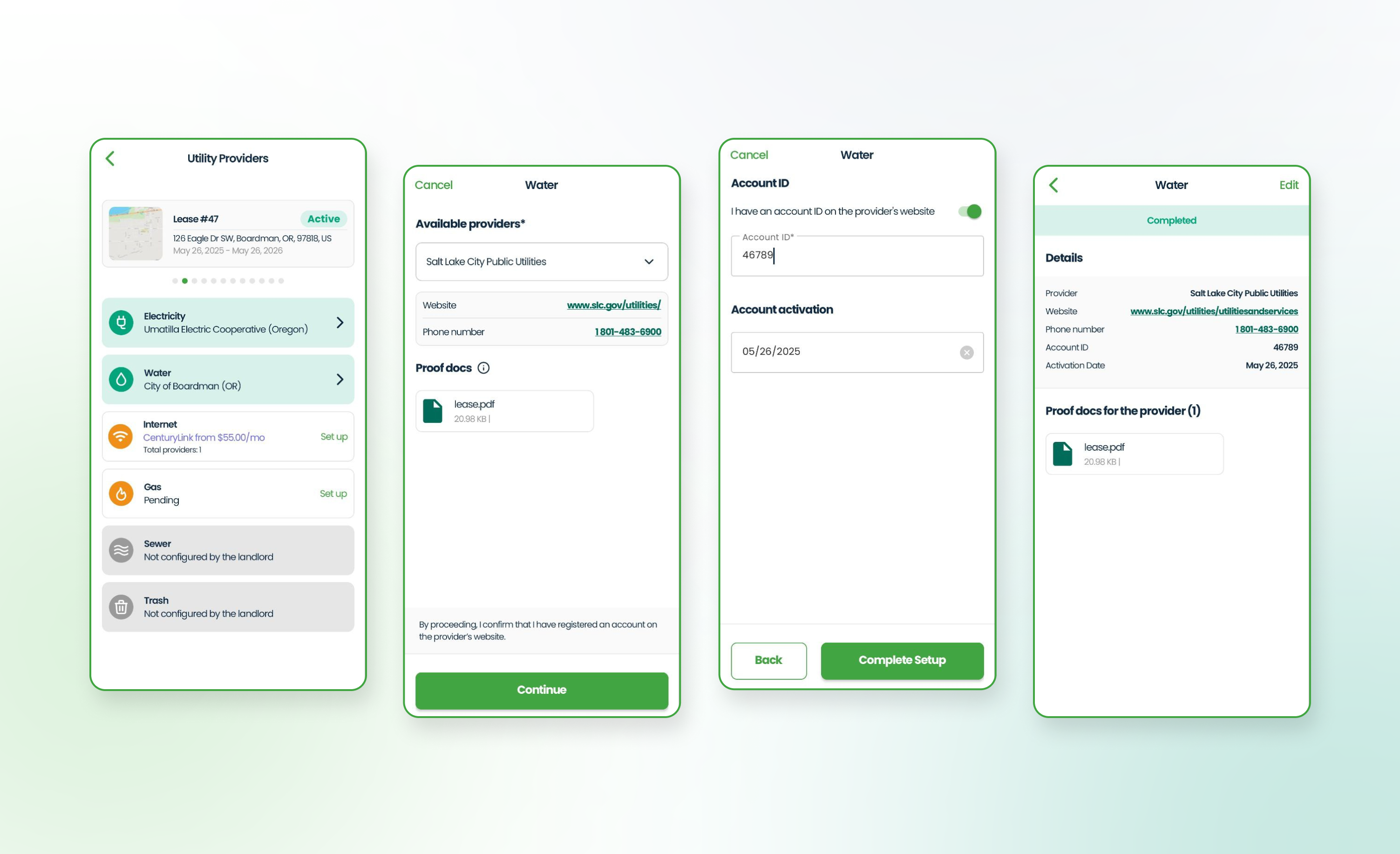
- View available utility providers for the property
- Submit setup requests or select a plan
- Upload confirmation documents after activation
- Show pending requests right on the home screen
Best part? The app is free.
With the tenant app, not only can renters add their utilities, but they can also view and pay invoices, message their landlord, and request maintenance needs, all in one place.
How to Get the App
Download the tenant app today, available on Google Play or App Store. Make sure it has the latest update to access Utility Services, special onboarding screens, and a simplified payment flow.